AI Professional Headshot Generator
Create studio-quality professional headshots from a single selfie — perfect for LinkedIn, resumes, and company pages
Sample Results
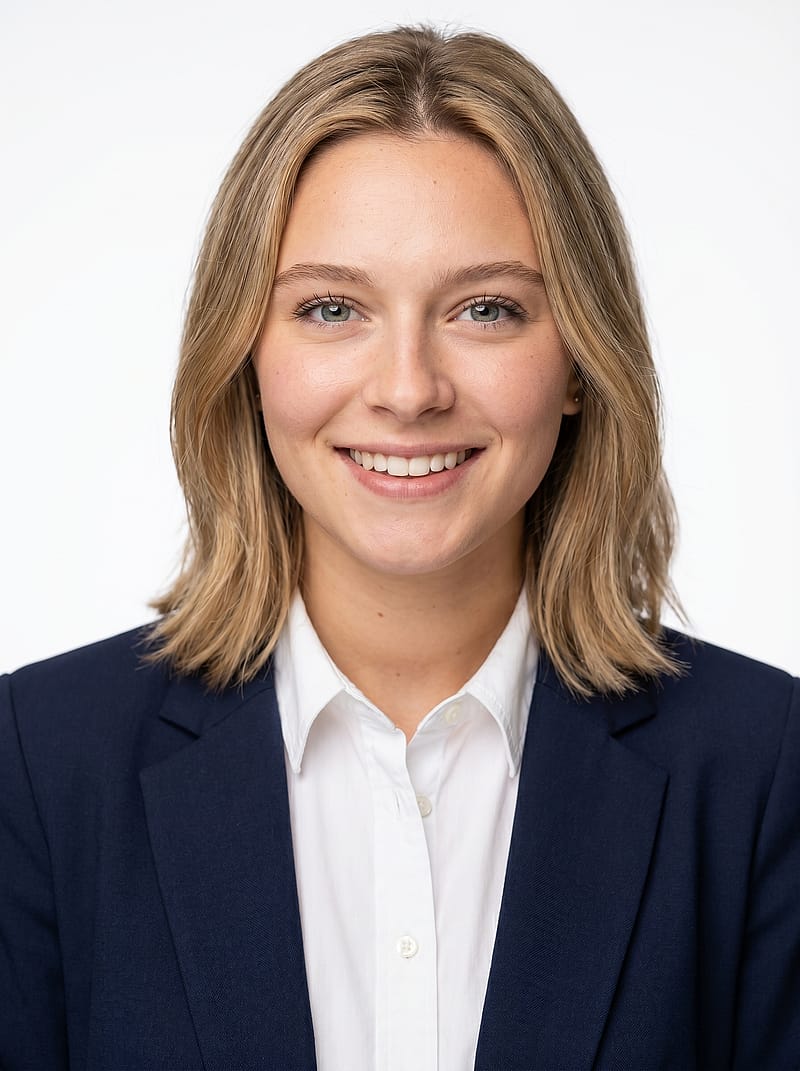 Anyone
Classic White Background Headshot
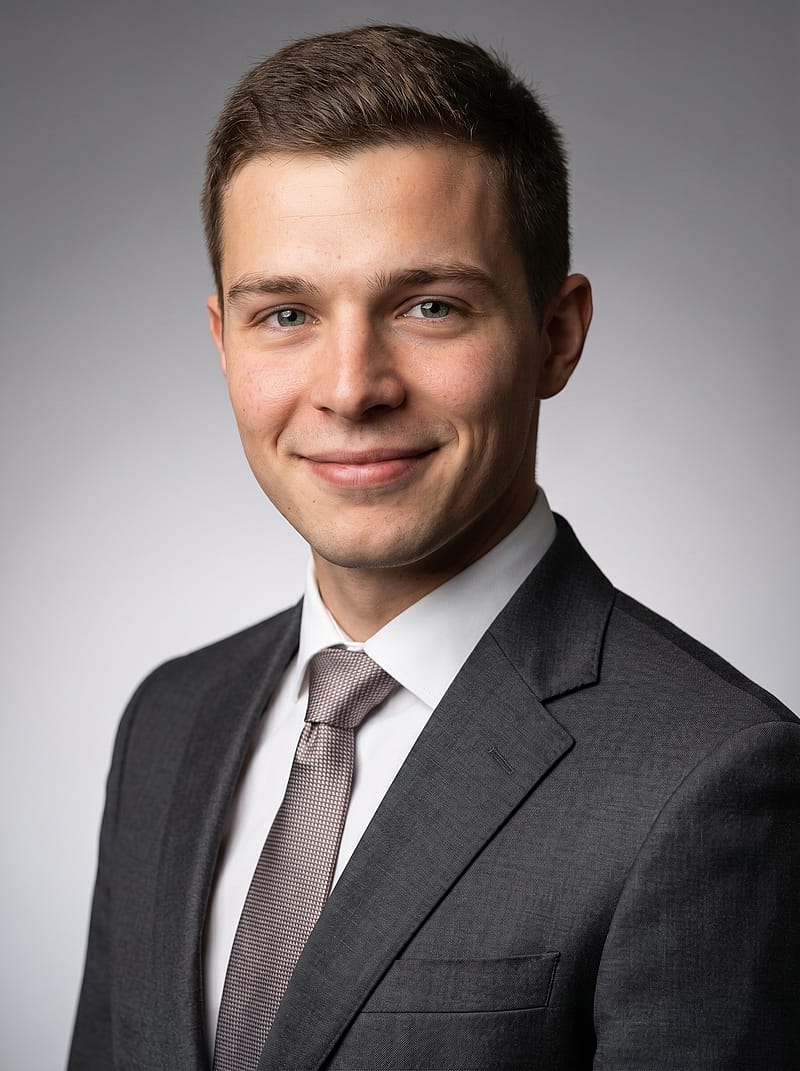 Anyone
Gray Gradient Studio Headshot
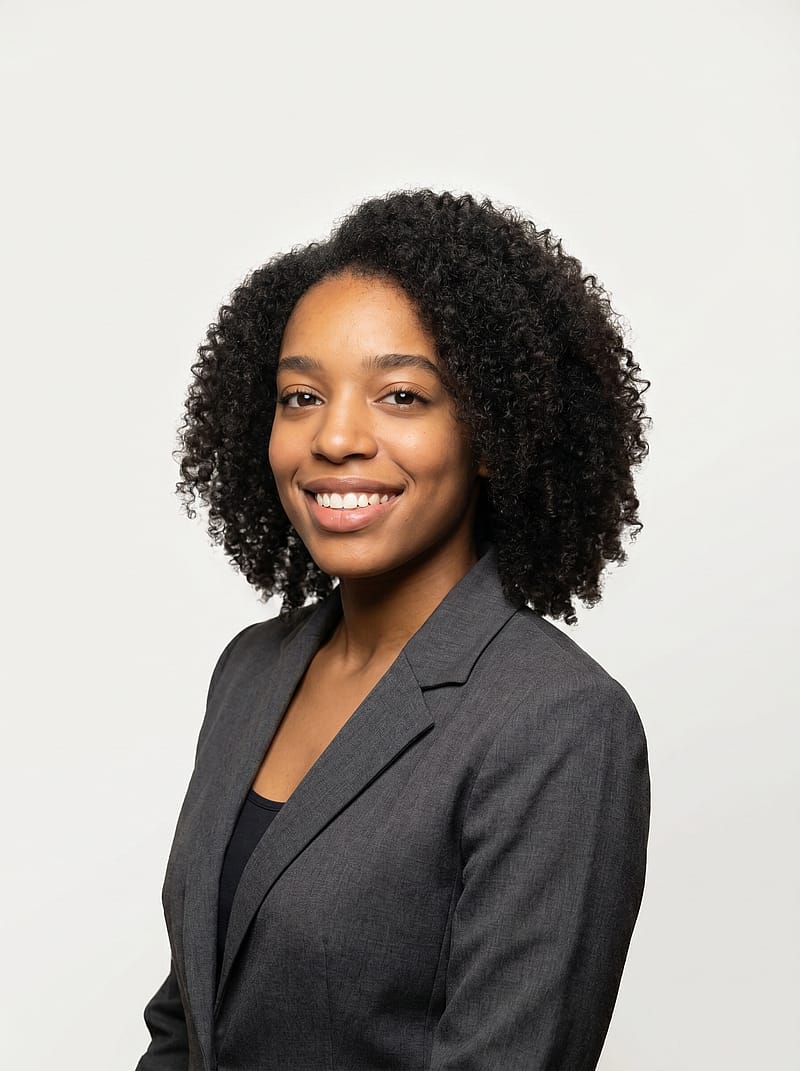 Female
Elegant Blazer Portrait
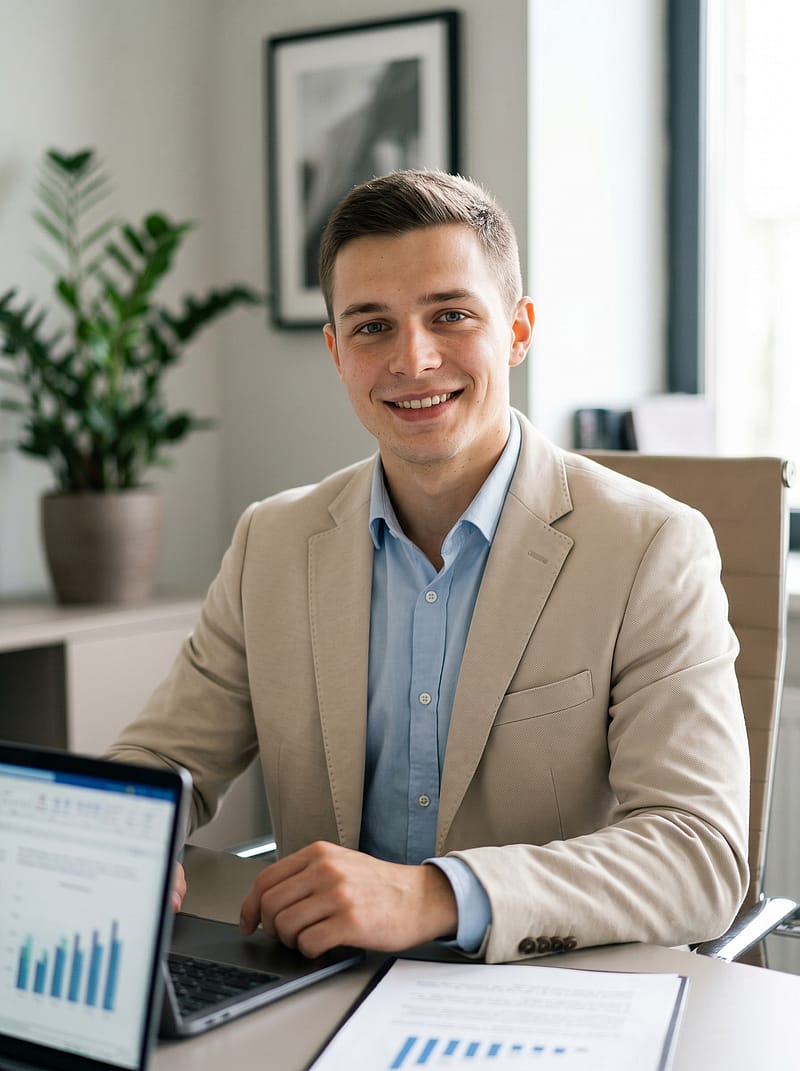 Anyone
Office Desk Professional Portrait
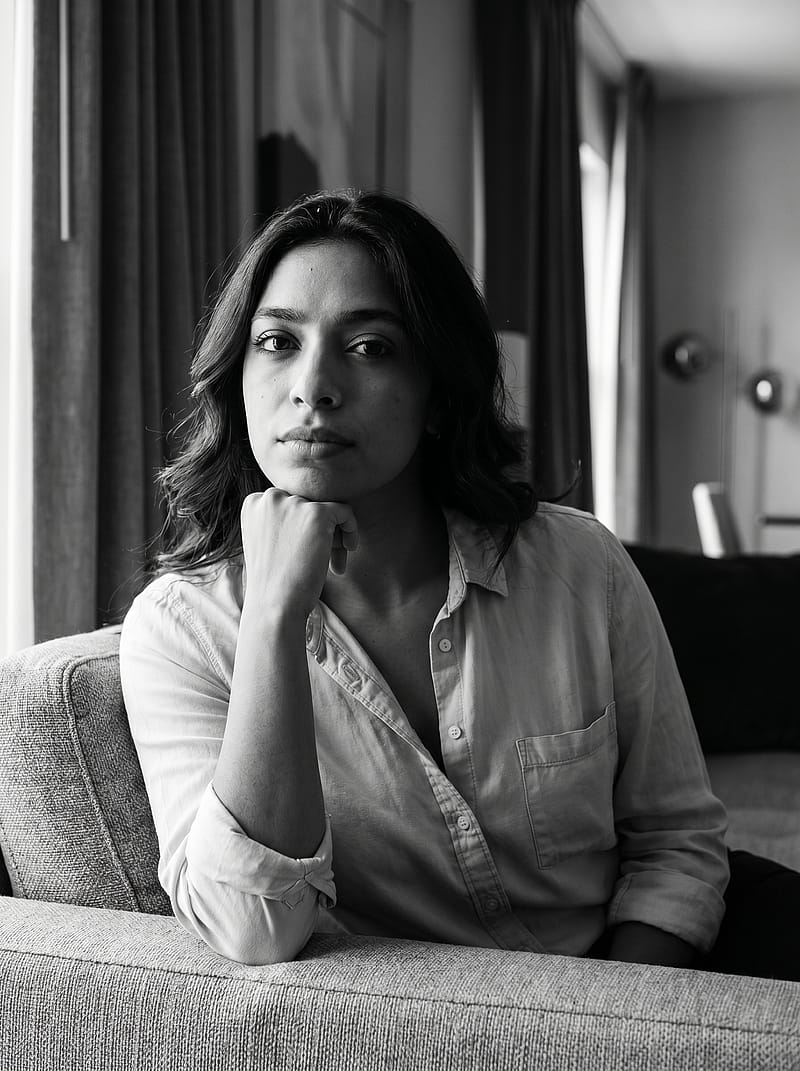 Anyone
Executive Sofa Portrait
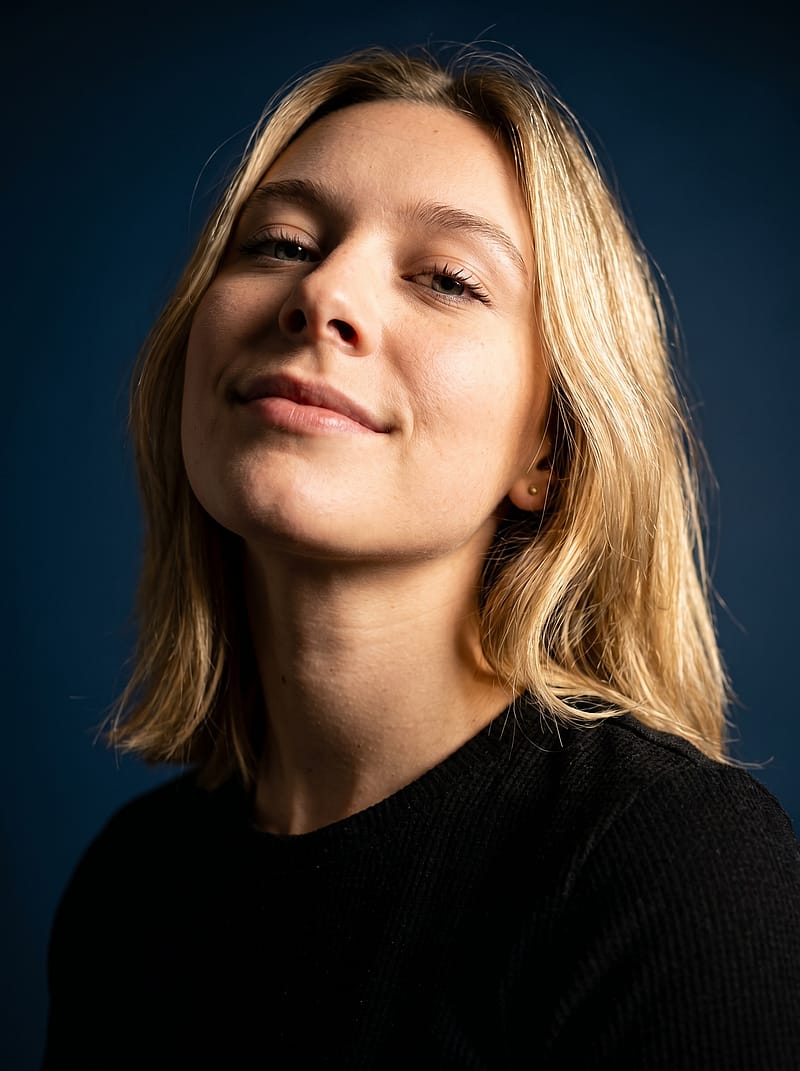 Anyone
Rich Blue Studio Portrait
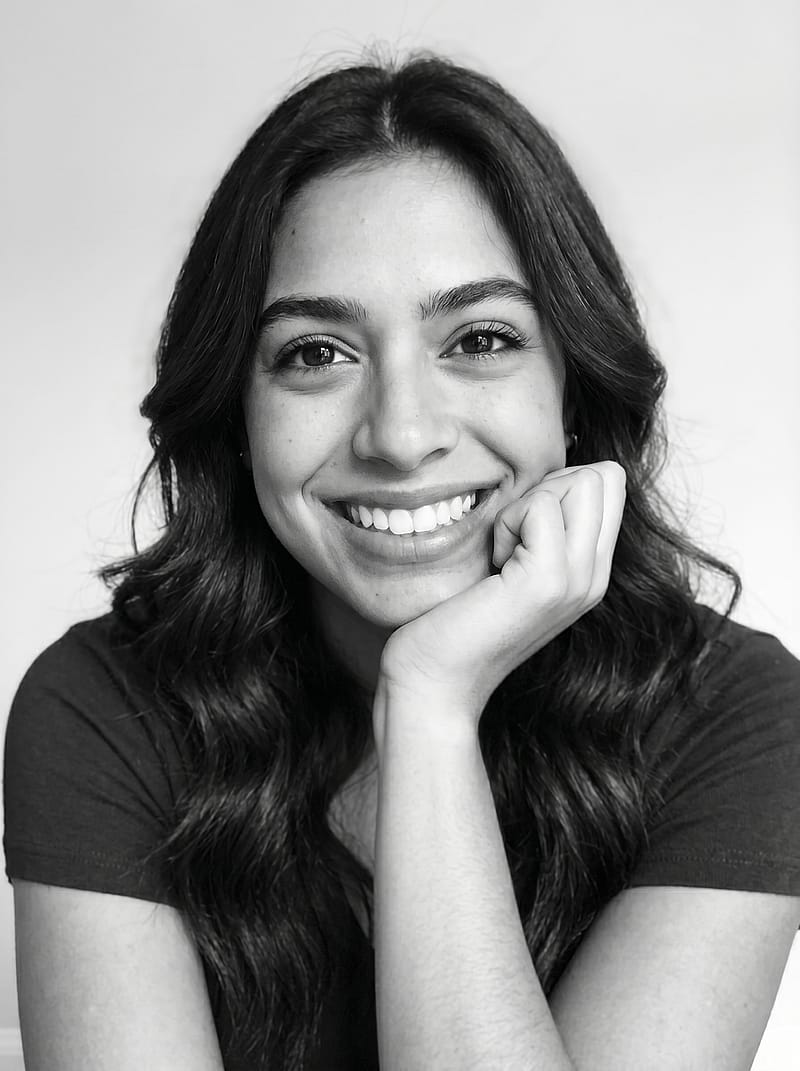 Female
Bright Smile Studio Close-Up Portrait
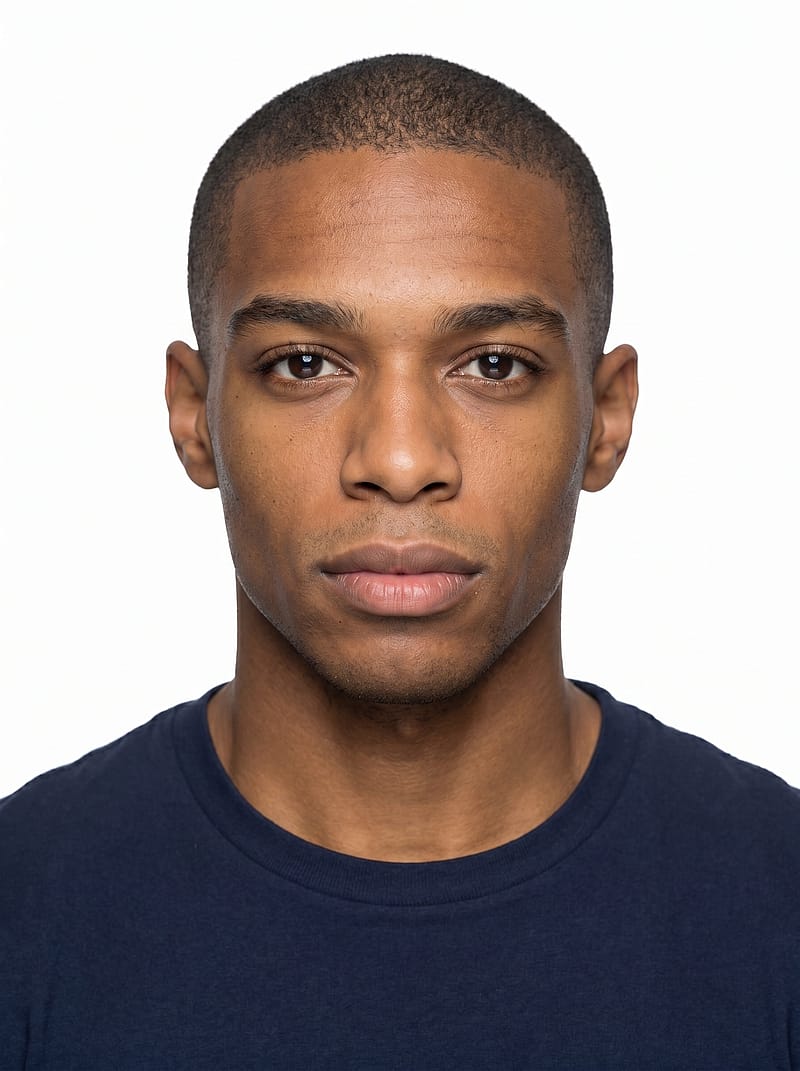 Anyone
Minimalist Clean Headshot
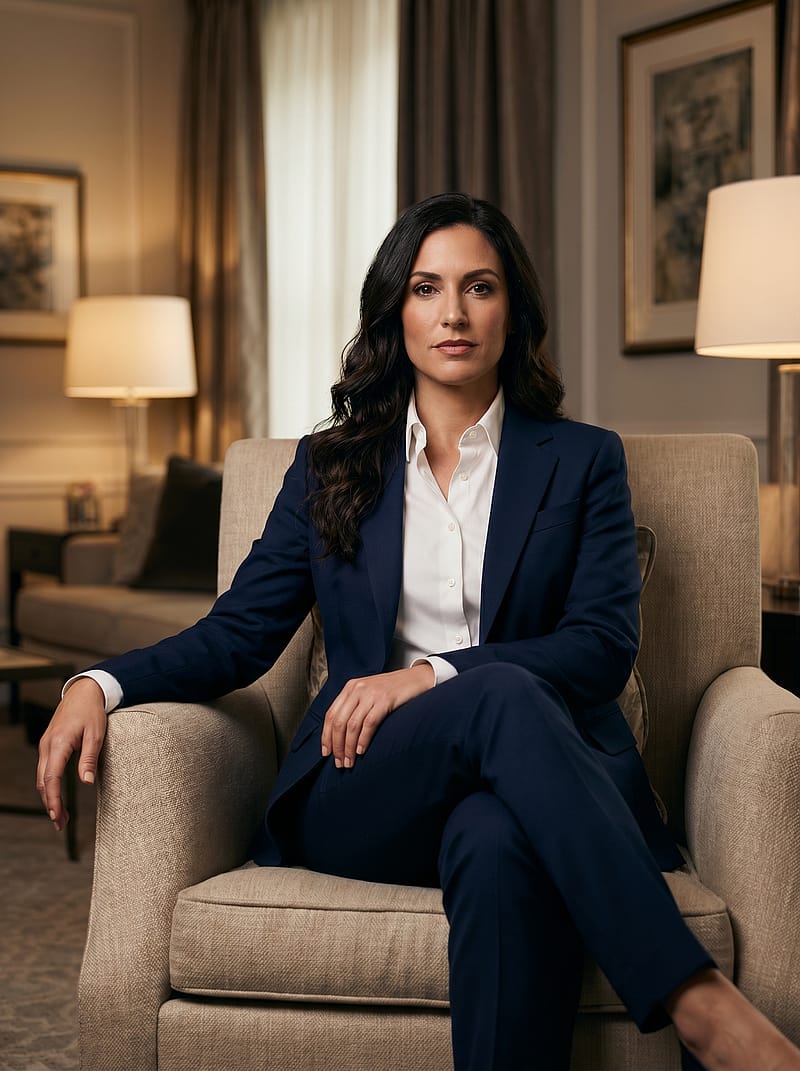 Anyone
Living Room Executive Portrait
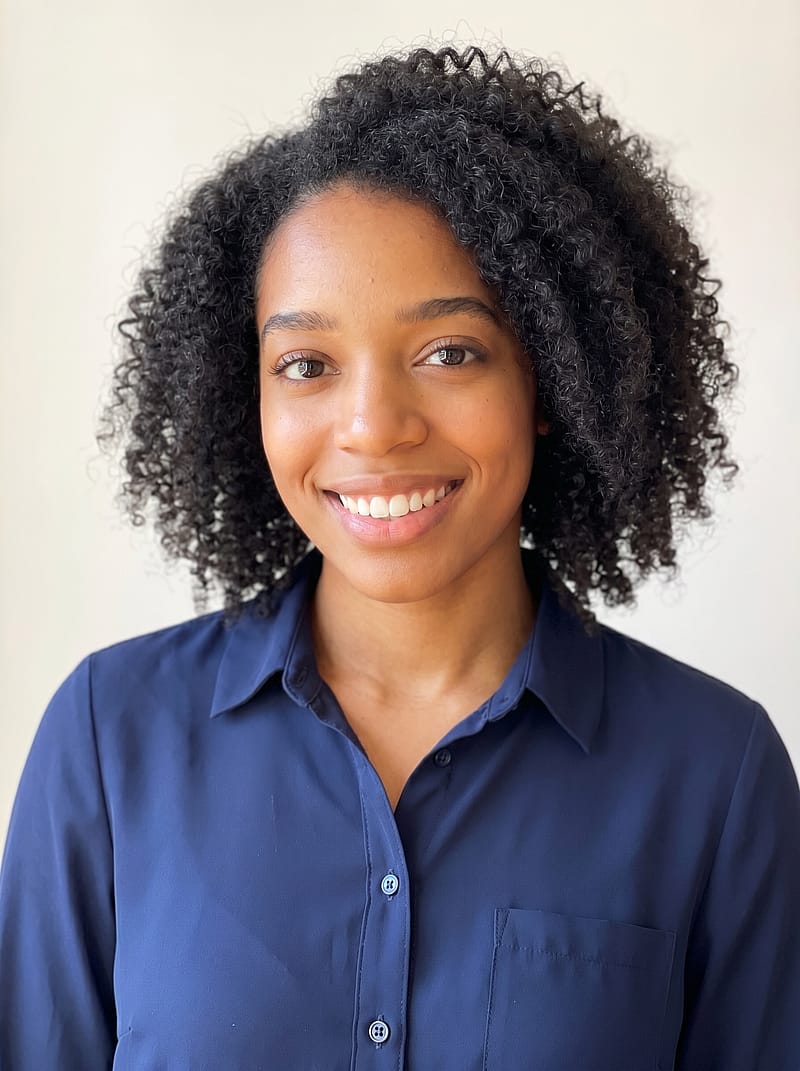 Anyone
Soft Natural Light Headshot
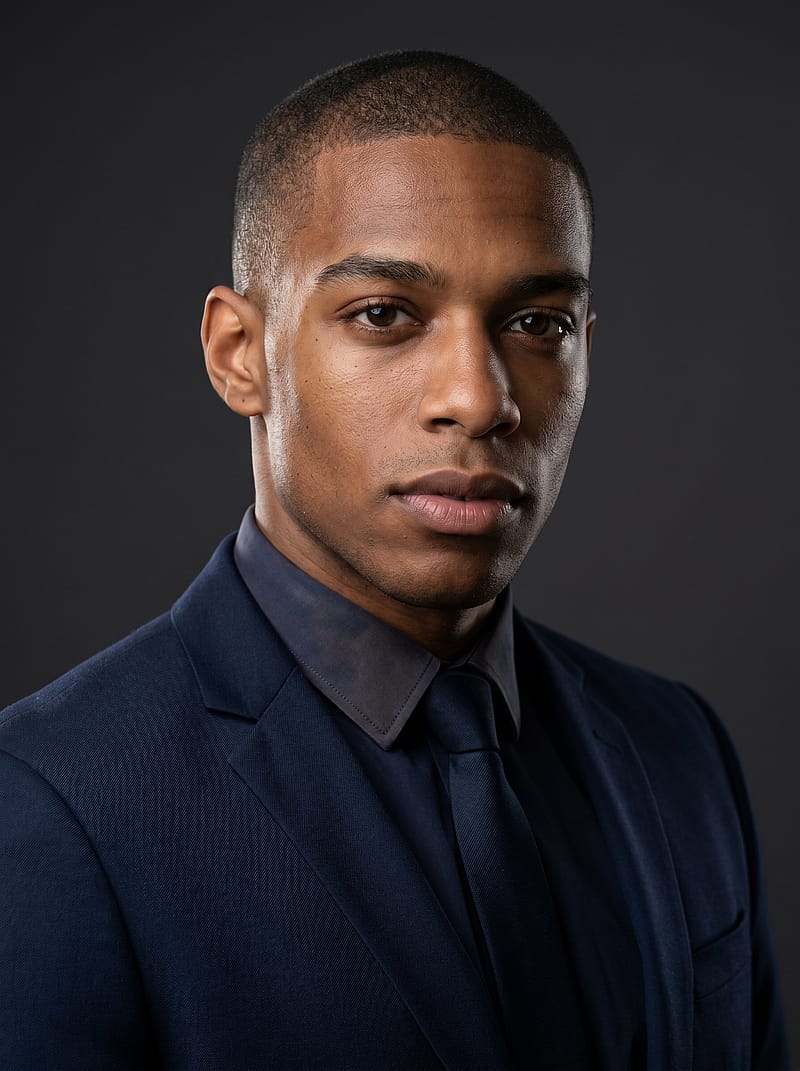 Anyone
Dark Background Executive Portrait
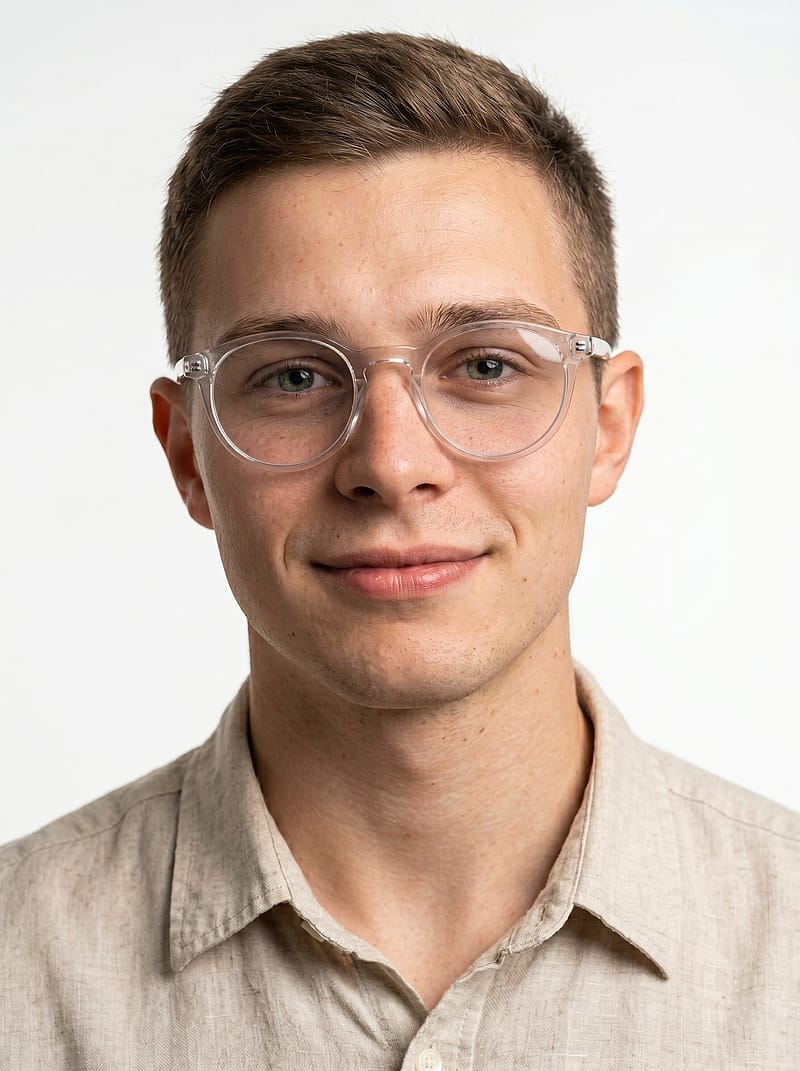 Anyone
White Linen Sunglasses Portrait
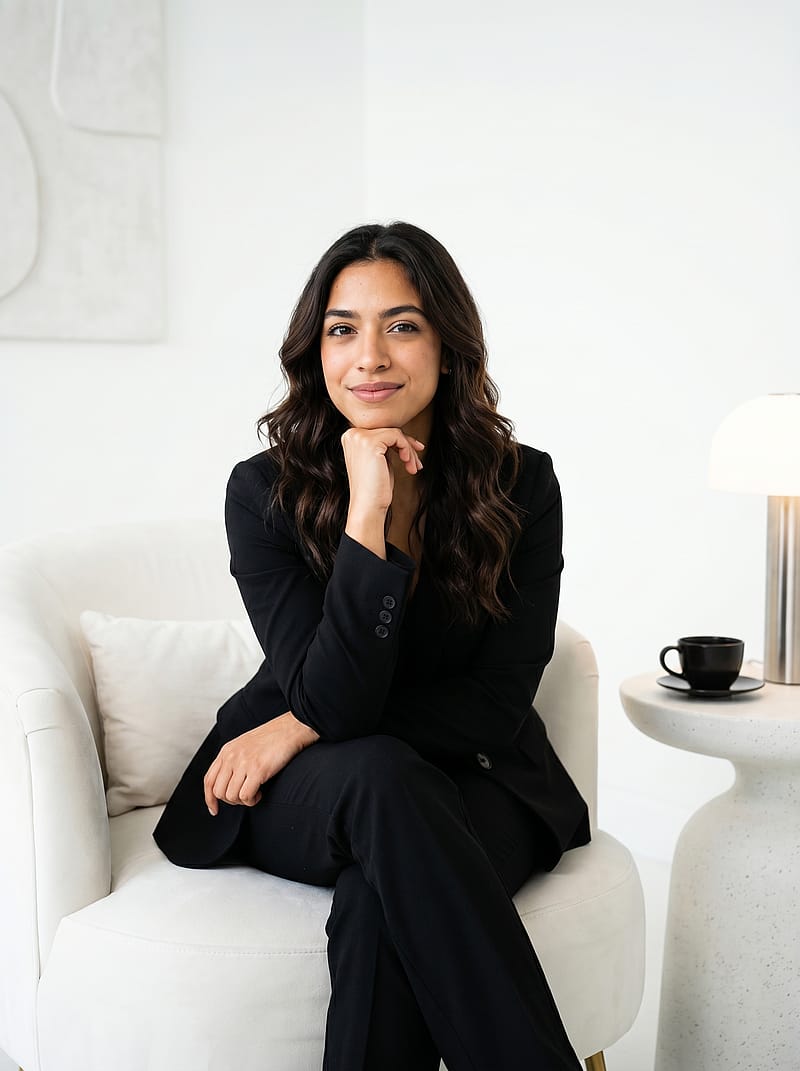 Female
White Chair Power Portrait
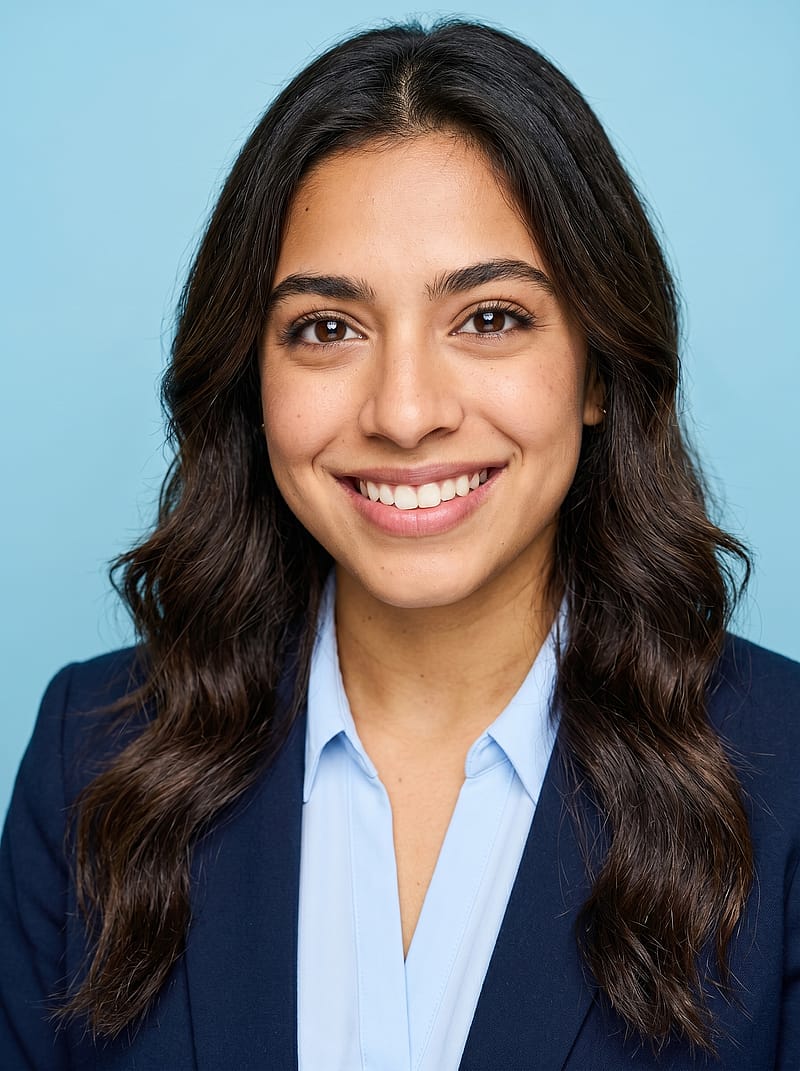 Anyone
Light Blue Background Headshot
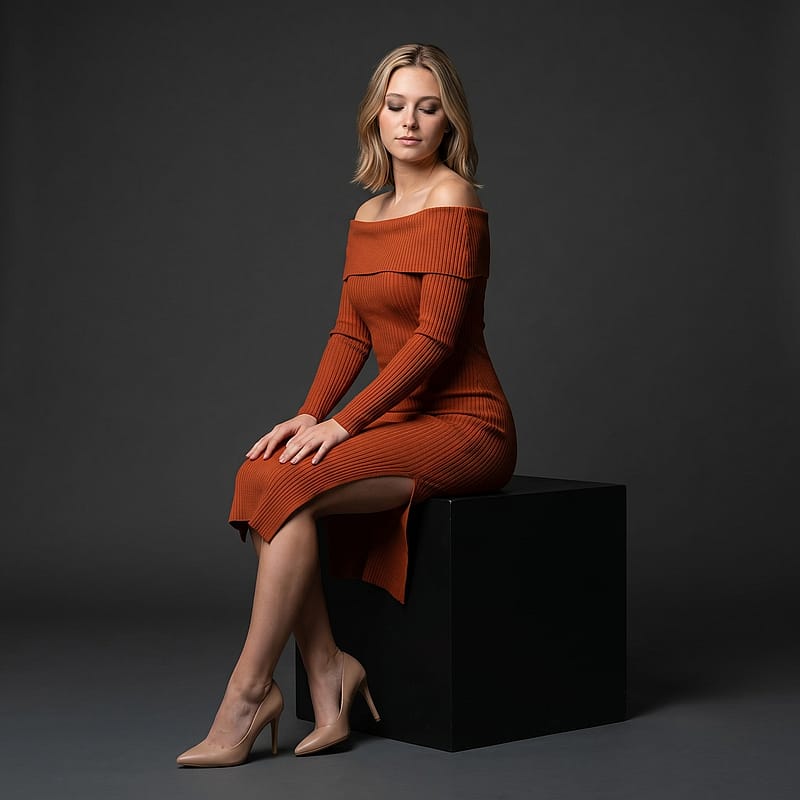 Anyone
Terracotta Dress Serene Portrait
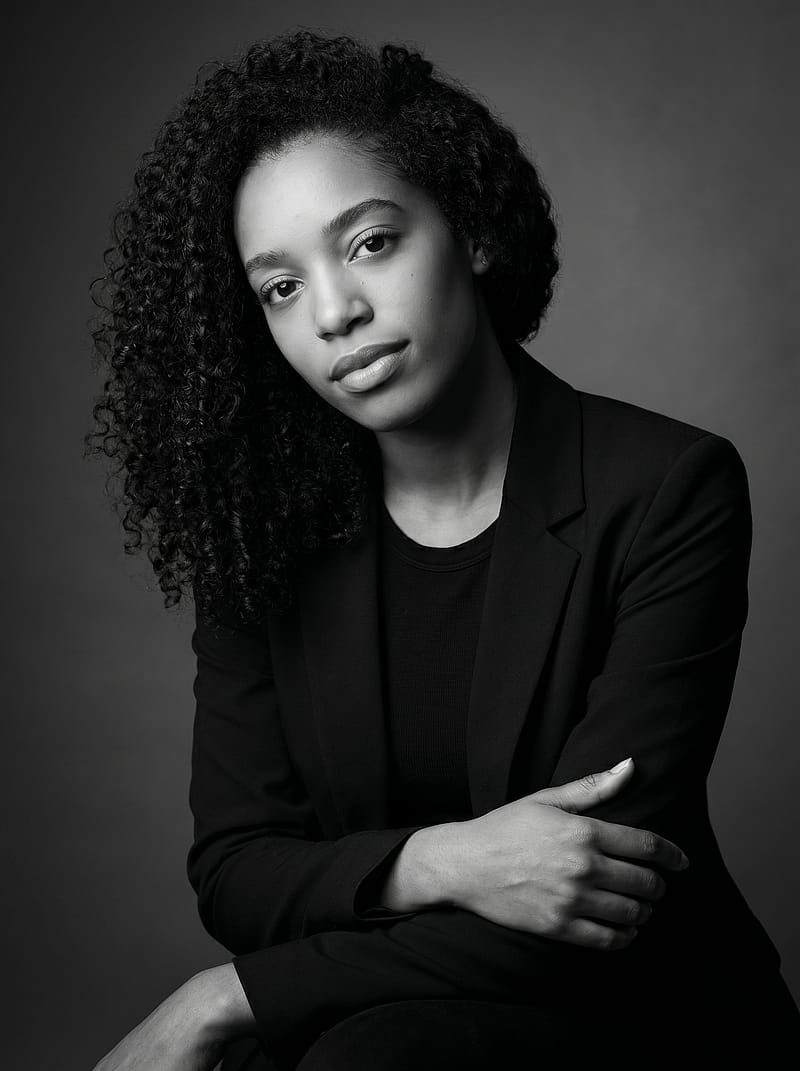 Female
Dark Elegance Editorial Portrait
Everything You Need to Know About Professional Headshots
Why You Need a Professional Headshot
A professional headshot is no longer optional in today's digital-first world. Whether you are updating your LinkedIn profile, building a company team page, or preparing for a speaking engagement, a polished professional headshot communicates credibility before you say a word. Profiles with a professional photo receive significantly more engagement than those without one. A quality business headshot tells people you take your career seriously. It bridges the gap between a casual snapshot and a carefully crafted personal brand. With a professional headshot generator, creating that polished look no longer requires booking an expensive photography session or waiting weeks for retouched images.
What Makes a Great Professional Headshot
The best professional headshots share several key qualities: even, flattering lighting that eliminates harsh shadows, a clean background that keeps the focus on your face, and proper framing that fills the frame without cropping too tightly. Your expression should project confidence and approachability — a natural, relaxed smile works best. Wardrobe matters too: solid colors in navy, gray, white, or black photograph reliably well for a professional headshot. Avoid busy patterns, logos, or distracting jewelry. A great professional headshot should look like you on your best day at the office, not a glamour shot or a casual selfie. These principles apply to business headshots for LinkedIn, company websites, and conference bios alike.
How a Professional Headshot Generator Works
Creating a professional headshot with AI takes just a few minutes. Upload a well-lit selfie and the tool analyzes your facial features, enhances the lighting for a studio-quality finish, and places you against a professional background. You receive multiple professional headshot variations — different backgrounds, lighting setups, and subtle style adjustments. Each professional photo is optimized for its intended platform: square crops for social media, vertical for company directories, and circle-ready framing for LinkedIn. Compared to traditional photography that is costly and takes days to schedule, a headshot generator delivers comparable professional headshots at a fraction of the cost and time.
Professional Headshot Backgrounds and Styles
The background of your professional headshot shapes how viewers perceive you. Solid white and light gray remain the most popular choices — timeless, versatile, and appropriate across virtually every industry. Soft blue or gradient studio backgrounds add subtle depth without distraction. For a more approachable feel, some professional headshots use blurred office or architectural settings. The key is that the background should never compete with your face. A professional headshot generator lets you preview multiple options before committing, so you can match the style to your industry and personal brand. This flexibility makes it easy to create professional headshots for different contexts from a single upload.
Professional Headshot Standards by Industry
Different industries expect different things from a professional headshot. Finance, law, and consulting typically call for a formal pose with conservative attire against a neutral background. Tech and startup cultures favor a more relaxed but polished look — smart casual with a clean, modern background. Creative fields allow more personality in wardrobe and setting. Healthcare professionals often wear scrubs or a white coat. Regardless of industry, every professional headshot should clearly show your face, use good lighting, and project competence. A corporate headshot for a Fortune 500 company and a business headshot for a startup founder serve different audiences, and a quality headshot generator gives you the flexibility to create both.
AI Professional Headshot Generator vs Studio Photography
A traditional professional headshot session involves finding a photographer, scheduling an appointment, traveling to a studio, and paying a premium. An AI headshot generator compresses this entire workflow into minutes. Upload a selfie, choose a template, and receive a studio-quality professional headshot with enhanced lighting and a clean background — all from your phone or laptop. New users get 50 free credits on signup, enough to generate several professional headshots at no cost. Compared to booking a studio session, the convenience and affordability of a professional headshot generator make it the practical choice for anyone who needs a polished photo quickly.
Frequently Asked Questions
What makes a good professional headshot?
A strong professional headshot features even lighting, a clean background, professional attire, and a confident but approachable expression. Your face should fill roughly 60-70% of the frame, centered and clearly visible. The best professional headshots look like you on a great day — polished and authentic, conveying both warmth and competence in a single image.
How much does a professional headshot cost?
Traditional studio sessions can be expensive. With AI Photo Spark, you get 50 free credits on signup — enough to generate several professional headshots. Paid credit packs start at $9.99 for 100 credits, making it significantly more affordable than a studio visit with no scheduling required.
Can I use an AI headshot for my professional profile?
Yes. AI-generated professional headshots are widely accepted across LinkedIn, company websites, and conference platforms. A quality headshot generator preserves your actual facial features while enhancing the lighting, background, and composition. The result is a professional headshot virtually indistinguishable from a traditional studio photograph.
What should I wear for a professional headshot?
Dress as you would for an important meeting in your industry. Solid neutral colors — navy, gray, white, or black — work best for a business headshot. Avoid loud patterns, logos, or heavy accessories. A corporate headshot for finance may call for a suit, while a tech professional headshot might lean toward smart casual.
How do I get a professional headshot without a photographer?
Use a professional headshot generator to create one from a selfie. Upload a well-lit photo, and the AI produces multiple studio-quality variations with different backgrounds and lighting styles. You get professional headshots ready for LinkedIn, resumes, and company pages — no photographer, no studio visit, and no waiting for retouched files.
What background is best for a professional headshot?
Clean, uncluttered backgrounds produce the strongest professional headshots. Solid white and light gray are the safest choices and work across all industries. Soft blue or subtle gradients also look polished. Avoid busy environments that pull attention away from your face. A headshot generator lets you try several options so you can pick the background that best fits your professional brand.