AI LinkedIn Headshot Generator
Stand out on LinkedIn with a professional AI headshot — upload once, get multiple studio-quality variations
Sample Results
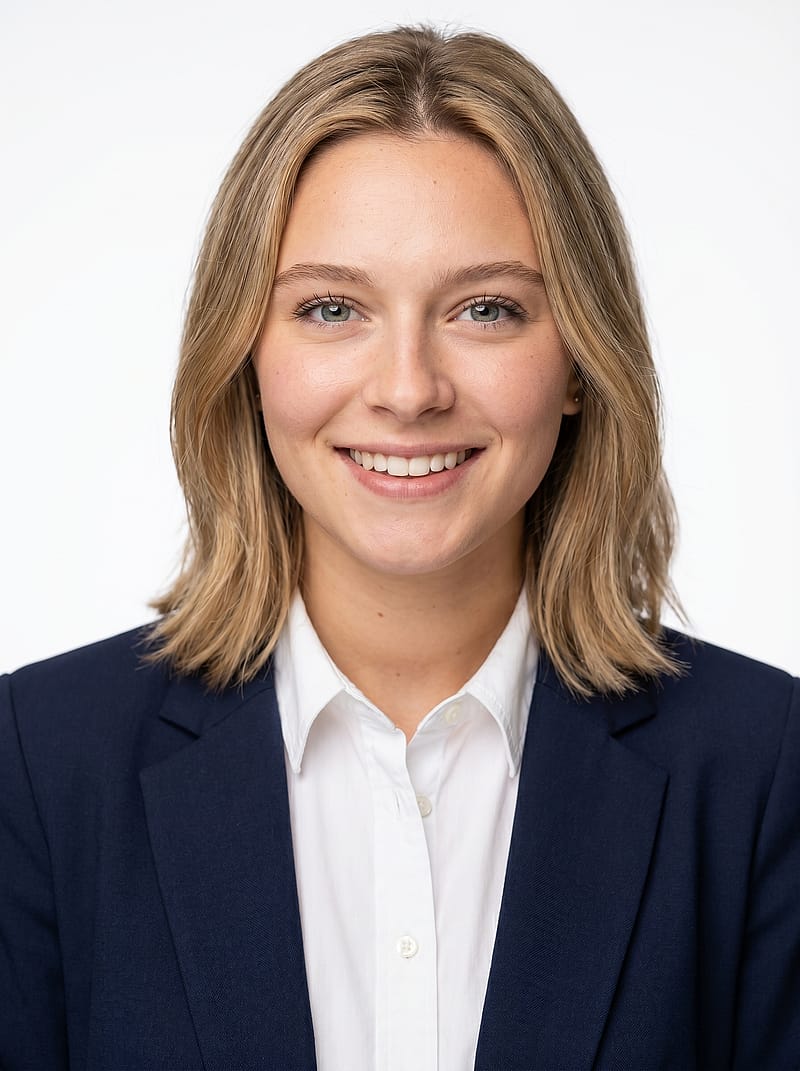 Anyone
Classic White Background Headshot
 Anyone
Gray Gradient Studio Headshot
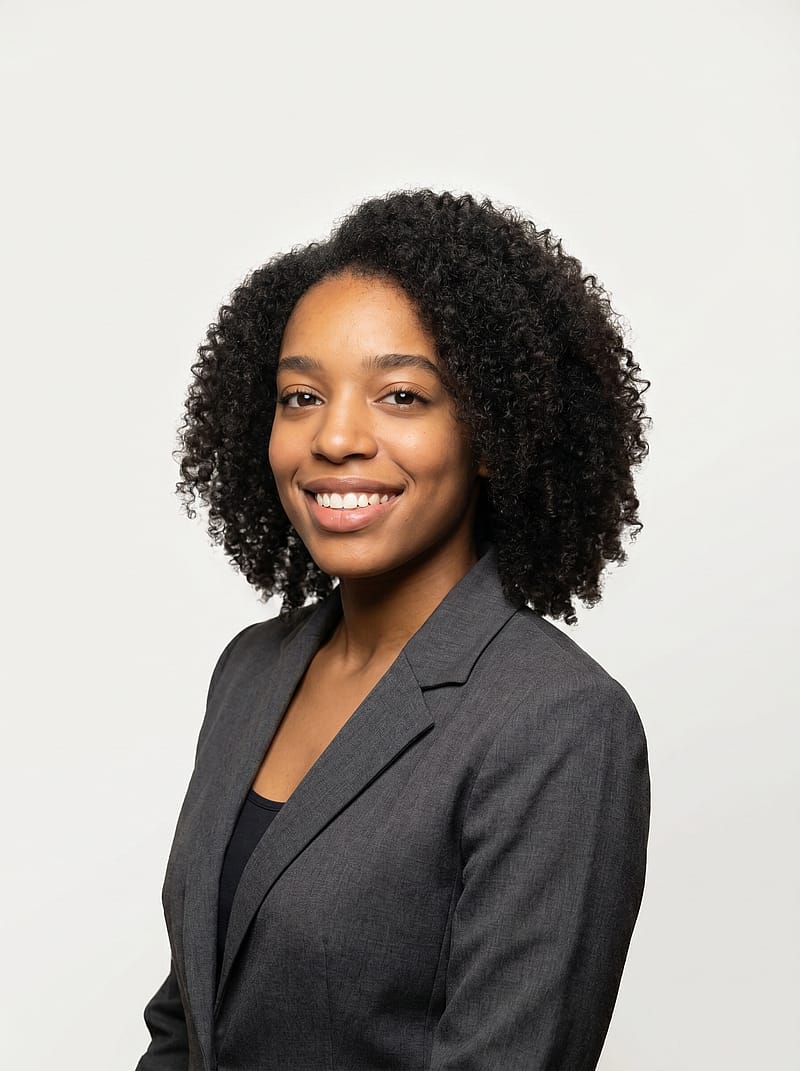 Female
Elegant Blazer Portrait
 Anyone
Office Desk Professional Portrait
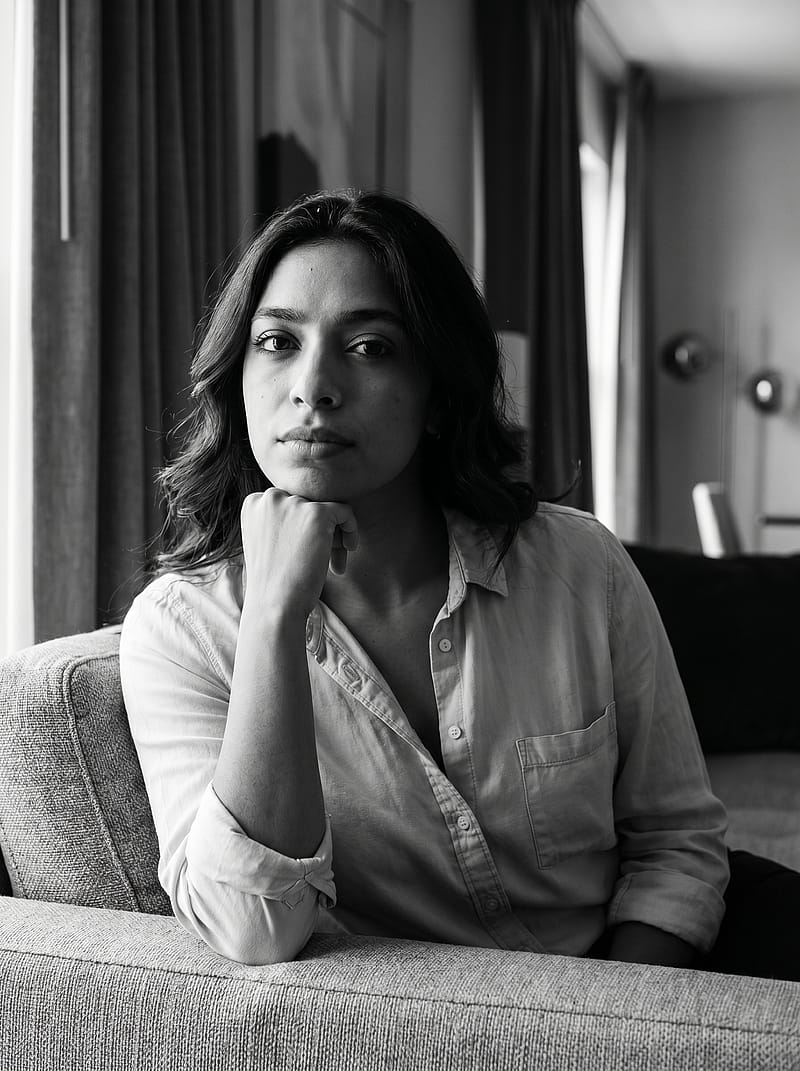 Anyone
Executive Sofa Portrait
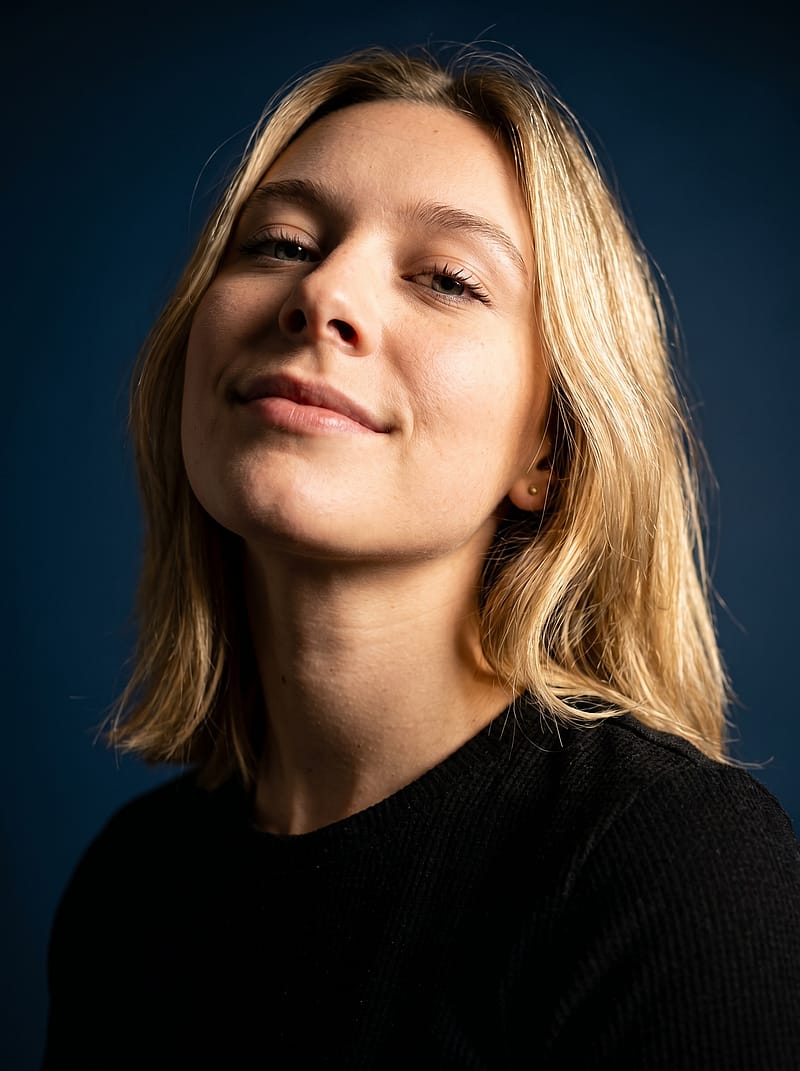 Anyone
Rich Blue Studio Portrait
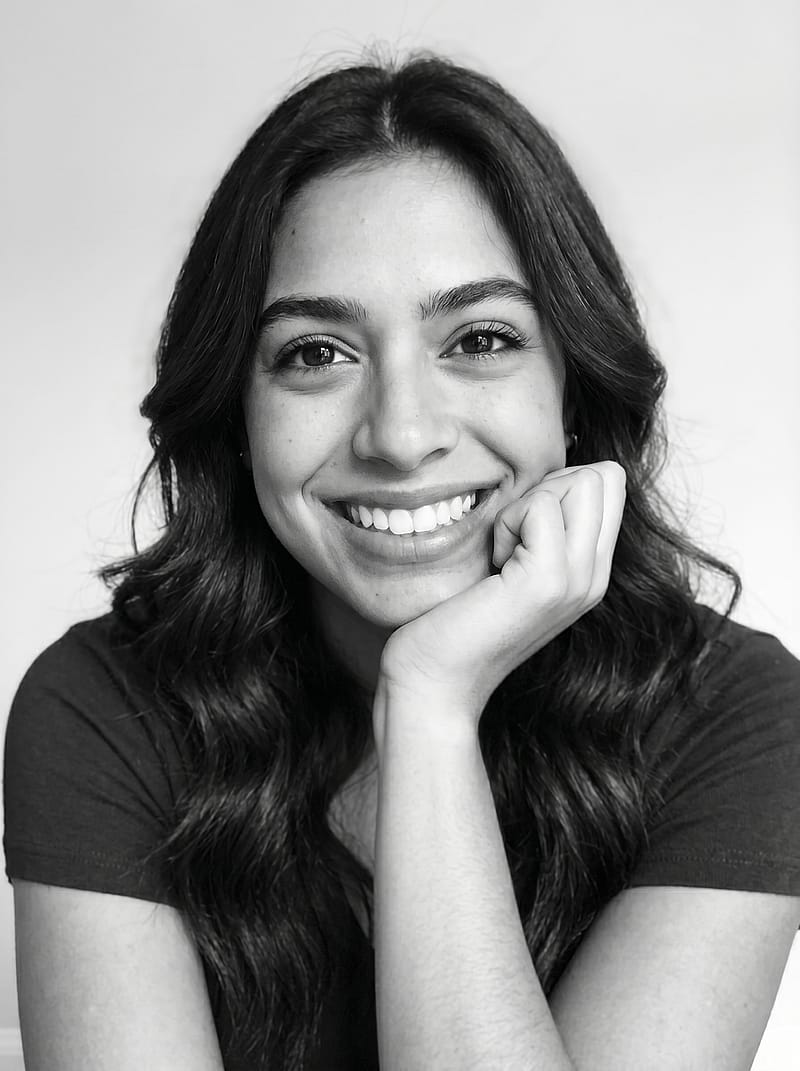 Female
Bright Smile Studio Close-Up Portrait
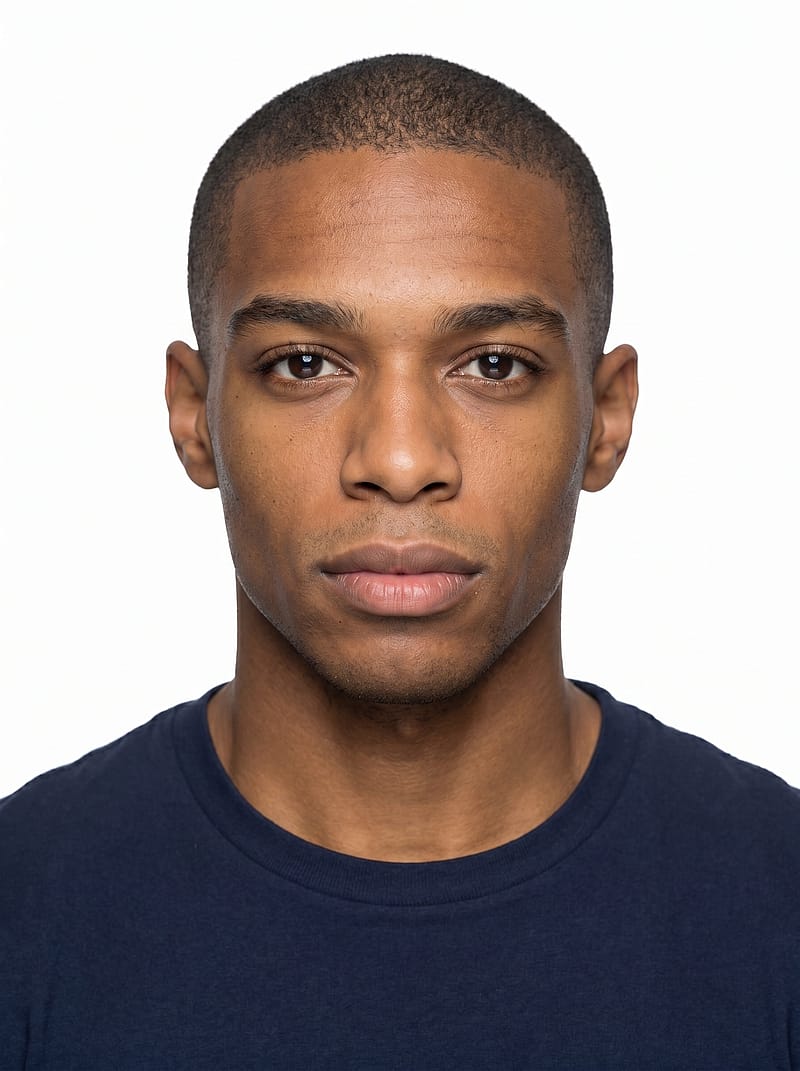 Anyone
Minimalist Clean Headshot
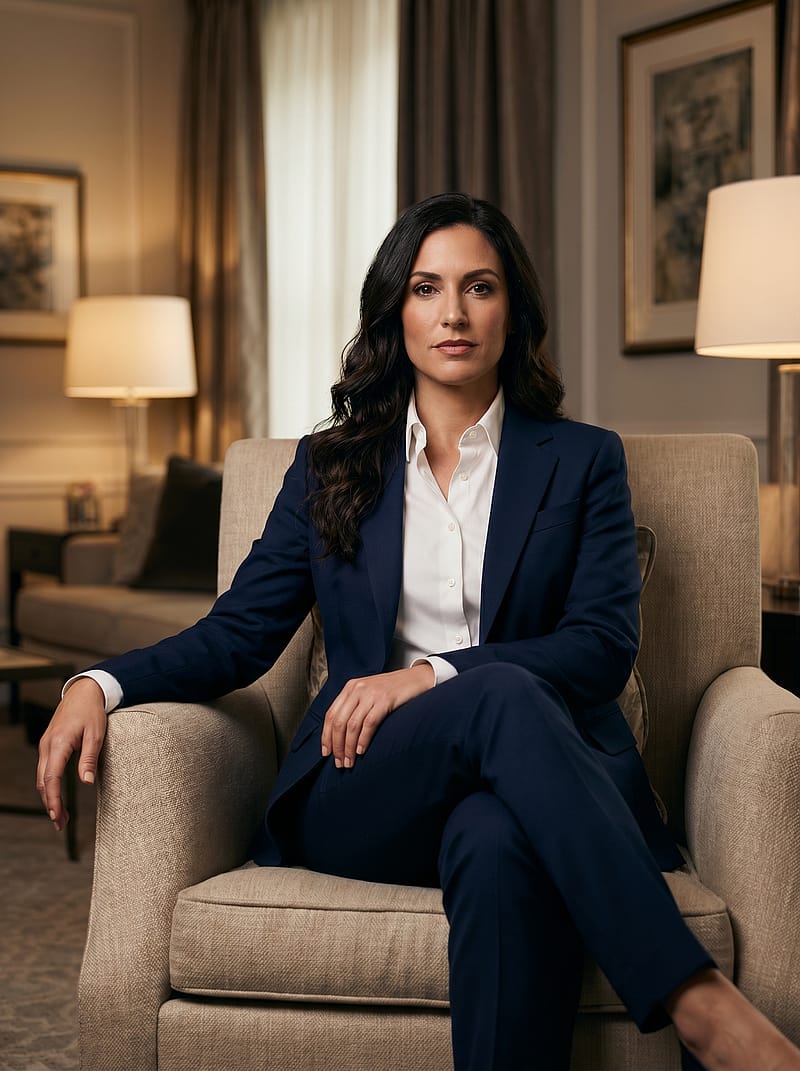 Anyone
Living Room Executive Portrait
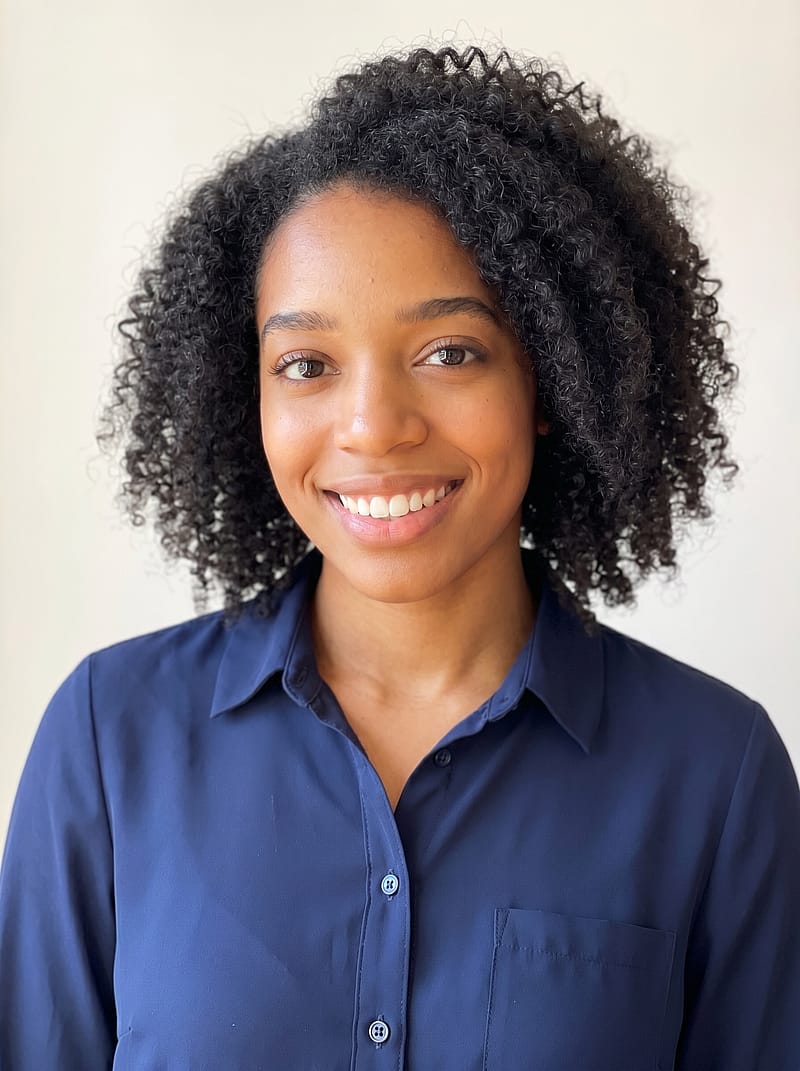 Anyone
Soft Natural Light Headshot
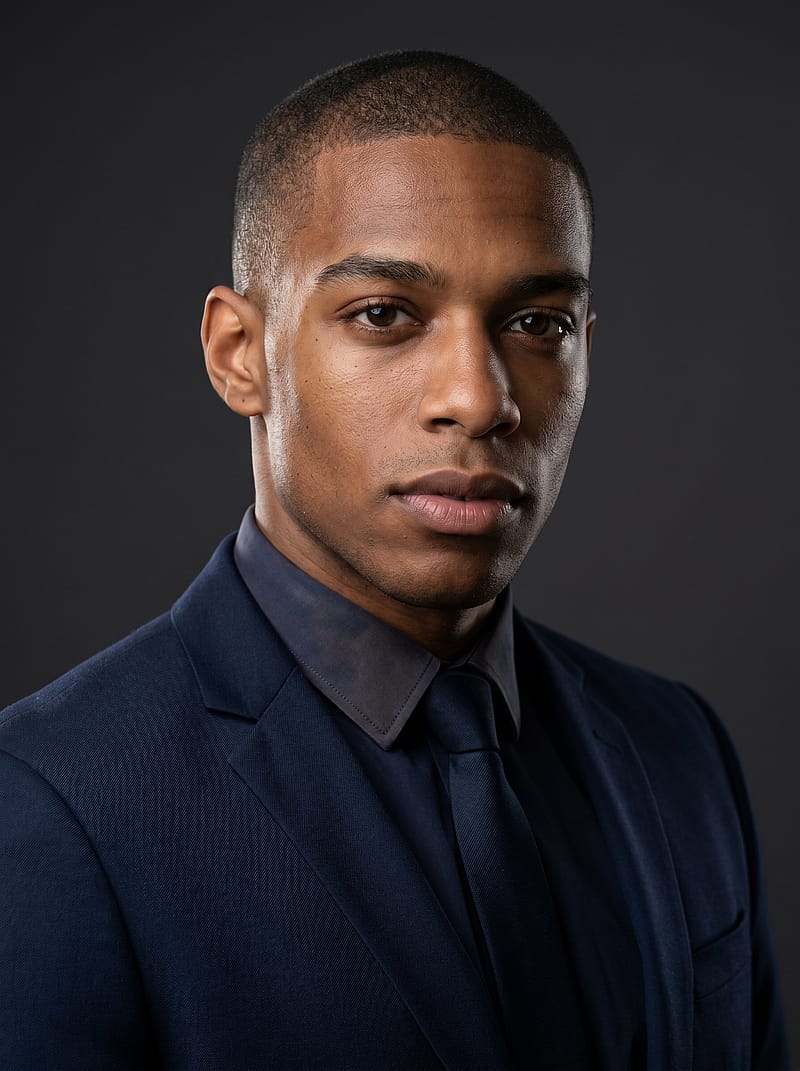 Anyone
Dark Background Executive Portrait
 Anyone
White Linen Sunglasses Portrait
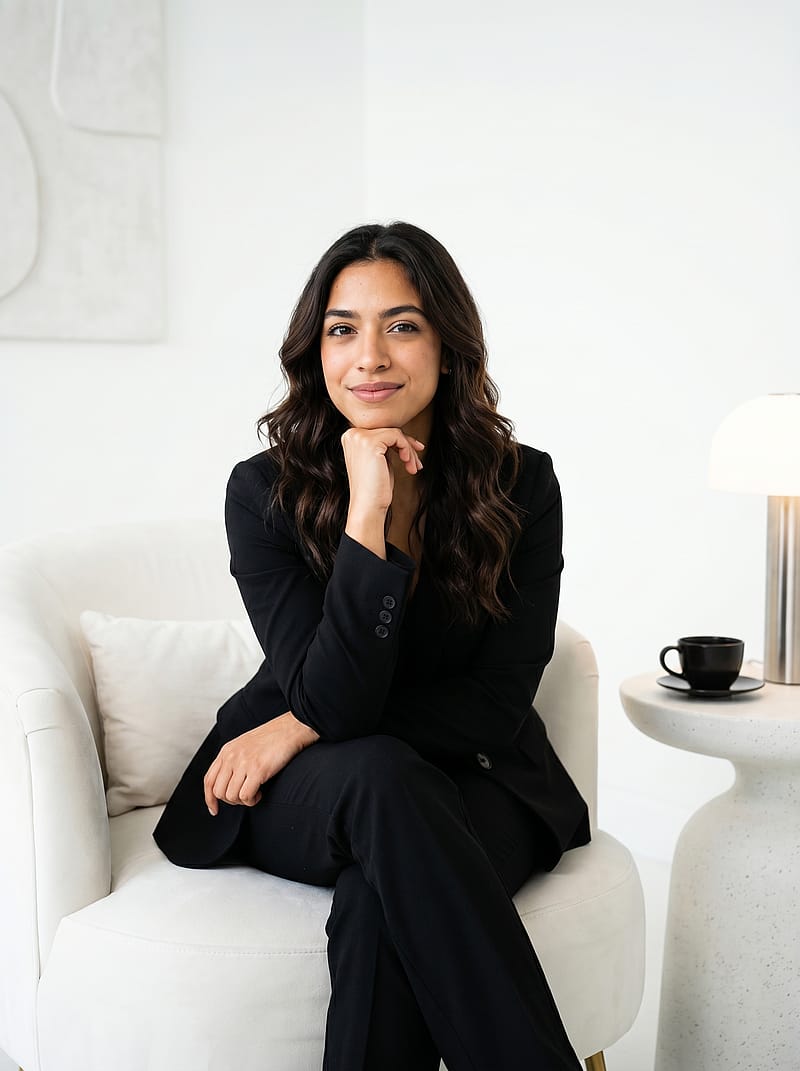 Female
White Chair Power Portrait
 Anyone
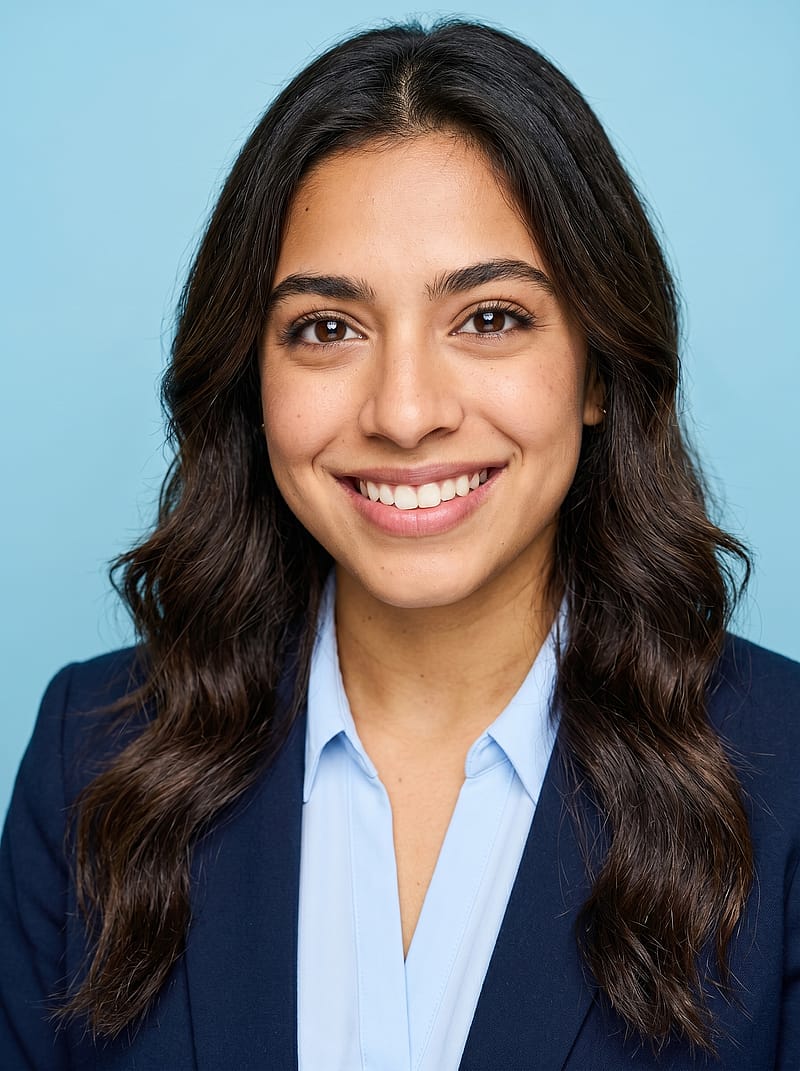
Light Blue Background Headshot
 Anyone
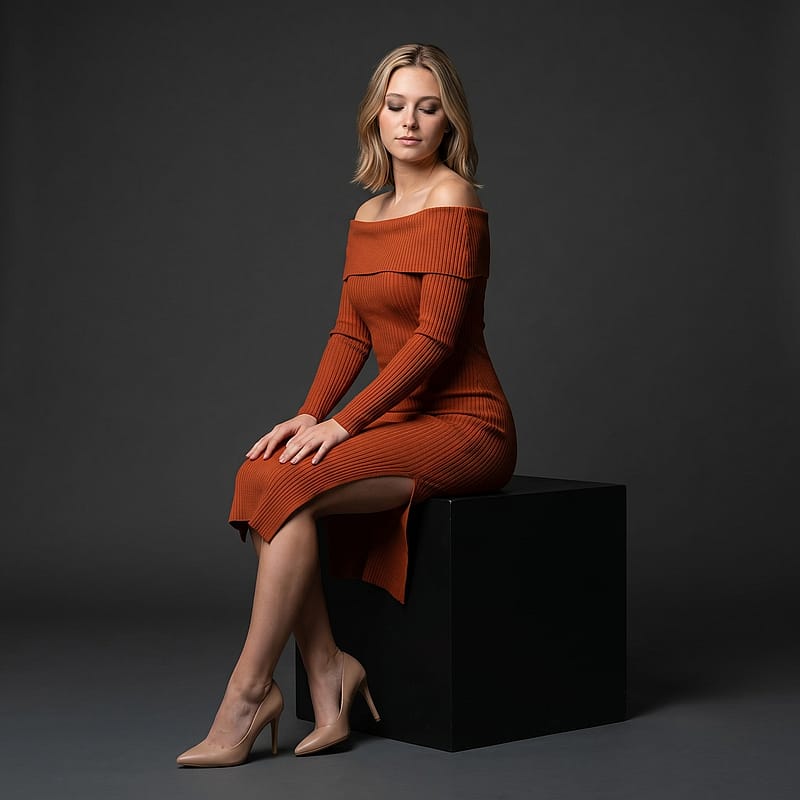
Terracotta Dress Serene Portrait
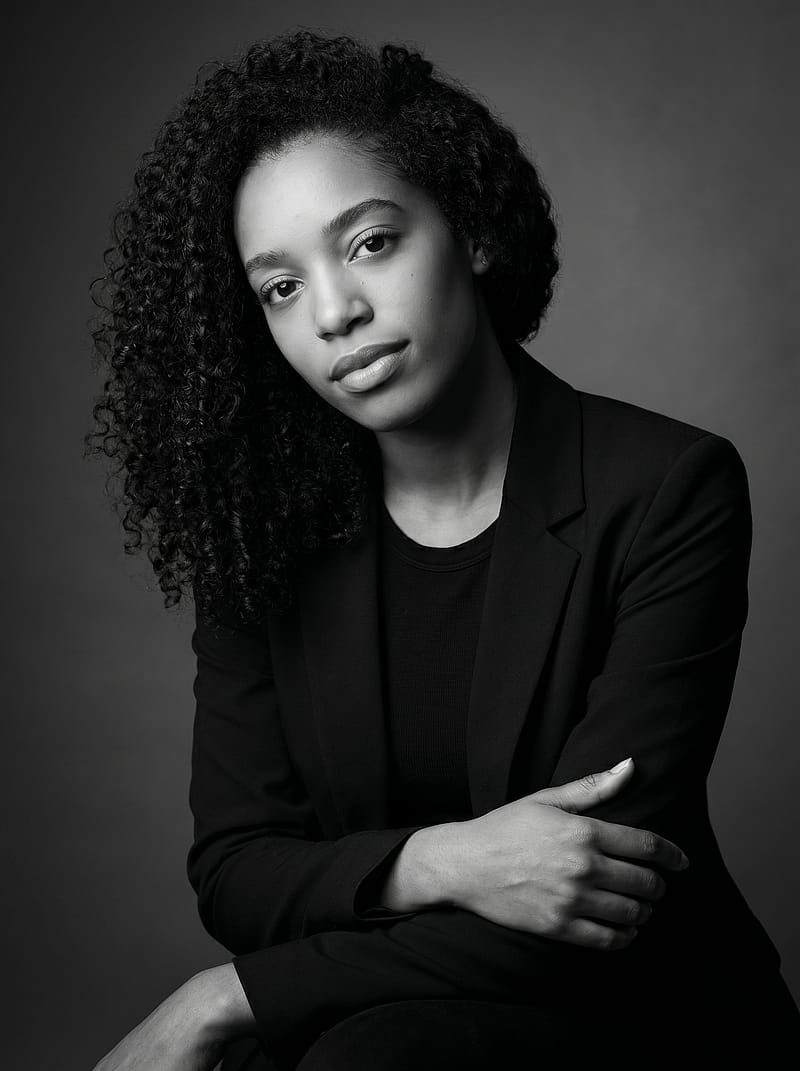 Female
Dark Elegance Editorial Portrait
Everything You Need to Know About LinkedIn Headshots
Why Your LinkedIn Photo Matters
A professional LinkedIn headshot can transform how recruiters and connections perceive you. Profiles with a polished photo receive significantly more views and connection requests than those without one. Your LinkedIn profile picture is the first thing people notice — it sets the tone for your personal brand before anyone reads your headline or experience. In competitive industries, a strong profile photo often determines whether someone clicks Connect or moves on. Investing in a quality headshot is one of the simplest ways to boost your LinkedIn presence.
LinkedIn Headshot Best Practices
Creating a great LinkedIn headshot starts with proper framing. Since LinkedIn crops all profile photos into a circle, center your head and shoulders with some breathing room around the edges. Use even, soft lighting — studio lighting works best — and choose a clean, uncluttered background. The ideal dimensions are 400x400 pixels minimum, though 768x768 ensures crisp display on retina screens. Avoid group shots, vacation selfies, or casual snapshots. A professional headshot should balance approachability with competence — think of it as your digital first impression across the LinkedIn platform.
How a LinkedIn Headshot Generator Works
A LinkedIn headshot generator transforms a single selfie into multiple professional variations in minutes. Upload your photo and the tool adjusts lighting, refines the background, and optimizes cropping specifically for LinkedIn's circle format. Each variation offers a different professional style — from clean studio looks to natural office settings. Compared to booking a photographer, which can take weeks and cost significantly more, a LinkedIn photo generator is significantly faster and more affordable. It is the most efficient way to upgrade your LinkedIn profile picture today.
LinkedIn Photo Dimensions and Requirements
LinkedIn accepts profile photos in JPG, PNG, or GIF format, up to 10MB. The platform displays your headshot at 400x400 pixels inside its signature circle crop. For the sharpest result across desktop and mobile, upload at 768x768 pixels or higher. Your profile photo should be front-facing with your face clearly visible — sunglasses, hats, and heavy filters are best avoided. LinkedIn also recommends using a recent photo that accurately reflects how you look in professional settings, so consider updating your headshot whenever your appearance changes noticeably.
What to Wear in a Professional Headshot
Your headshot outfit should match the expectations of your industry. For corporate roles, a blazer or collared shirt in solid neutral tones — navy, gray, white, or black — photographs reliably well. Creative professionals can incorporate more color and personality, but avoid loud patterns that compete with your face. The key principle: dress as you would for an important meeting in your field. A well-chosen outfit strengthens your LinkedIn profile photo without distracting from what matters most — your expression and presence.
LinkedIn Headshot Generator vs Traditional Photography
A traditional headshot session with a professional photographer can be costly and time-consuming — you need to schedule, travel, and wait for edited images. A LinkedIn headshot generator delivers comparable studio-quality results at a fraction of the cost and time. You receive multiple variations — different backgrounds, lighting setups, and professional styles — from a single upload. For active job seekers or anyone refreshing their LinkedIn profile photo, a LinkedIn headshot generator offers the best combination of quality, speed, and value without compromising on a polished, professional appearance.
Frequently Asked Questions
What makes a good LinkedIn headshot?
A strong LinkedIn headshot has even lighting, a clean background, professional attire, and a confident expression. Your face should fill roughly 60-70% of the frame, centered for the circle crop. The best profile photos look like you on a great day — polished and authentic, approachable yet professional.
How do I change my LinkedIn profile photo?
Click your profile icon on LinkedIn, then tap the camera icon over your current photo. Upload your new headshot and adjust the crop circle to center your face. LinkedIn supports JPG, PNG, and GIF files up to 10MB. For the sharpest display, upload a square image at 768x768 pixels or larger.
Can I use an AI headshot on LinkedIn?
Yes, AI-generated headshots are fully acceptable on LinkedIn as long as they accurately represent your appearance. A quality LinkedIn headshot generator preserves your facial features while enhancing lighting, background, and composition. The result is a professional LinkedIn photo indistinguishable from a traditional studio session.
How much does a professional LinkedIn headshot cost?
Traditional photographer sessions can be expensive and require scheduling. With AI Photo Spark, you get 50 free credits on signup — enough to generate several LinkedIn headshots. Paid credit packs start at $9.99 for 100 credits, giving you studio-quality LinkedIn photos in minutes without the hassle of booking a studio.
What background works best for a LinkedIn photo?
Clean, uncluttered backgrounds produce the strongest LinkedIn photos. Solid white, light gray, or soft blue work across most industries. Studio backgrounds with subtle gradients also look polished. Avoid busy environments that draw attention away from your face — the focus should stay on you.
How often should I update my LinkedIn headshot?
Refresh your LinkedIn headshot every one to two years, or whenever your appearance changes noticeably — new glasses, different hairstyle, significant weight change. A current LinkedIn photo builds trust with connections and recruiters. Using a LinkedIn headshot generator makes it easy to update your profile photo regularly without booking a photographer.