AI Roblox PFP Generator
Upload one selfie and get dozens of unique Roblox PFPs — classic blocky and modern 3D avatar styles ready for Roblox, Discord, and gaming profiles
Sample Results
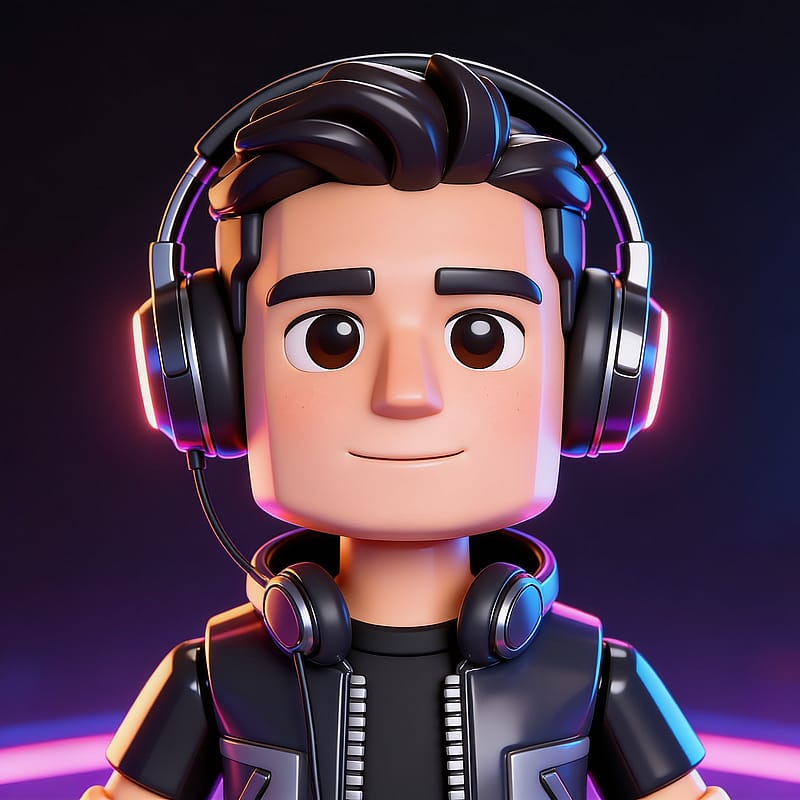 Anyone
Modern Avatar Cool Accessories
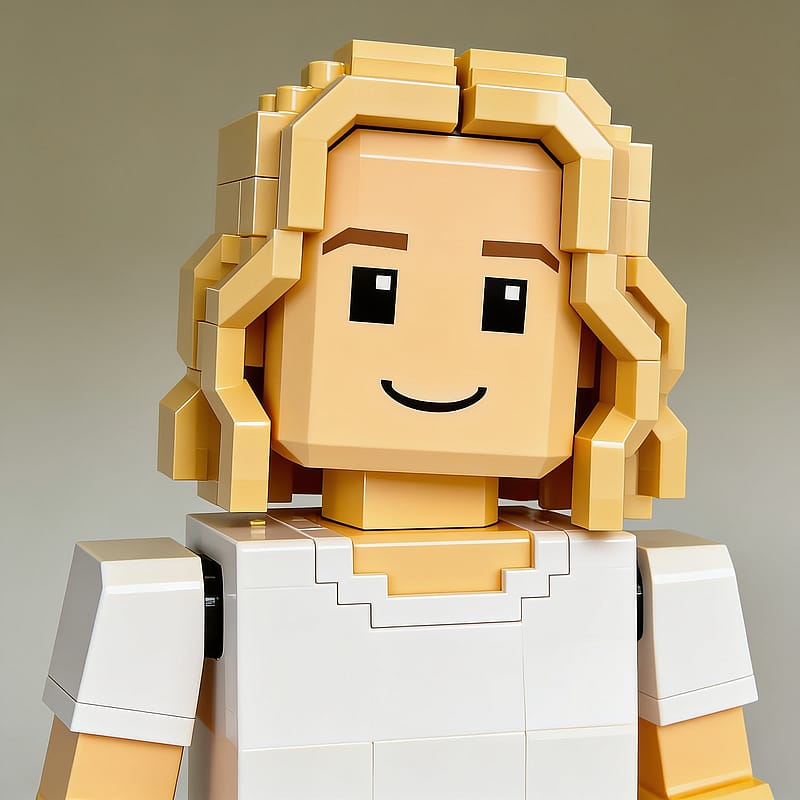 Anyone
Classic Blocky Roblox Avatar
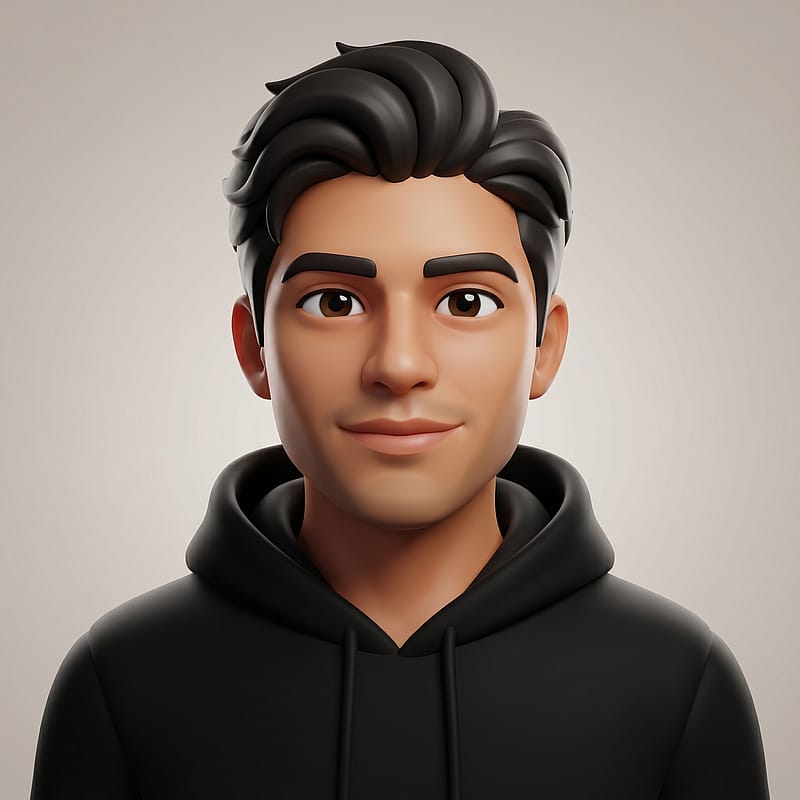 Anyone
Modern Avatar Hoodie Casual
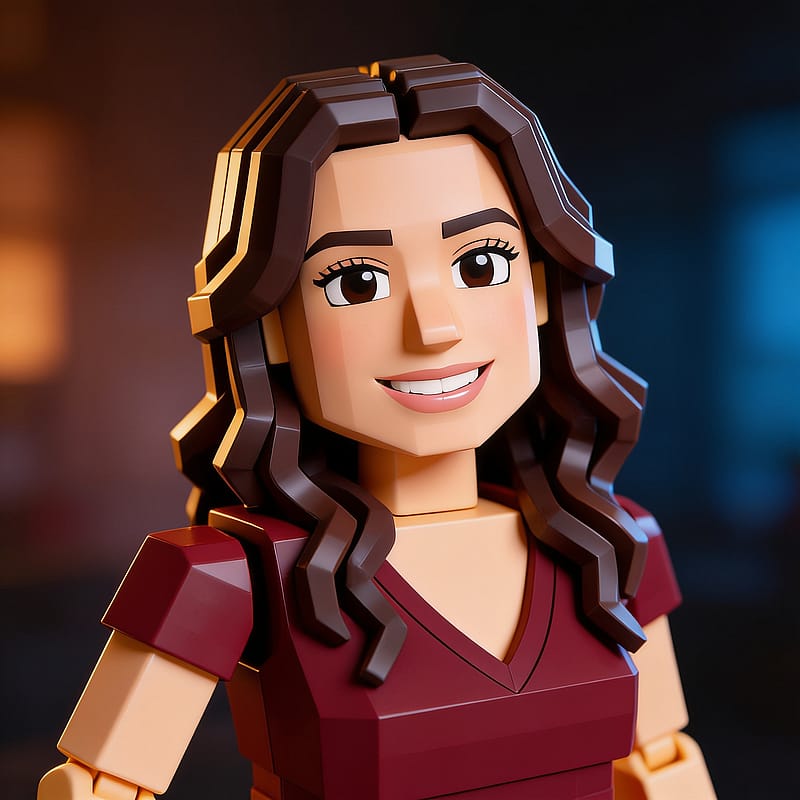 Anyone
Modern Avatar Cinematic Render
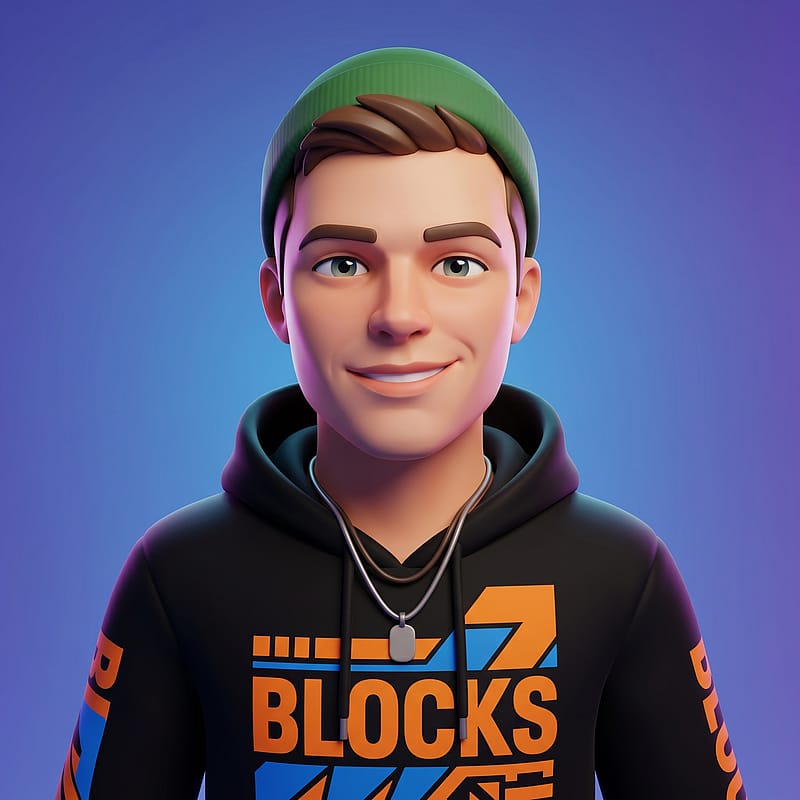 Anyone
Modern Avatar Streetwear Look
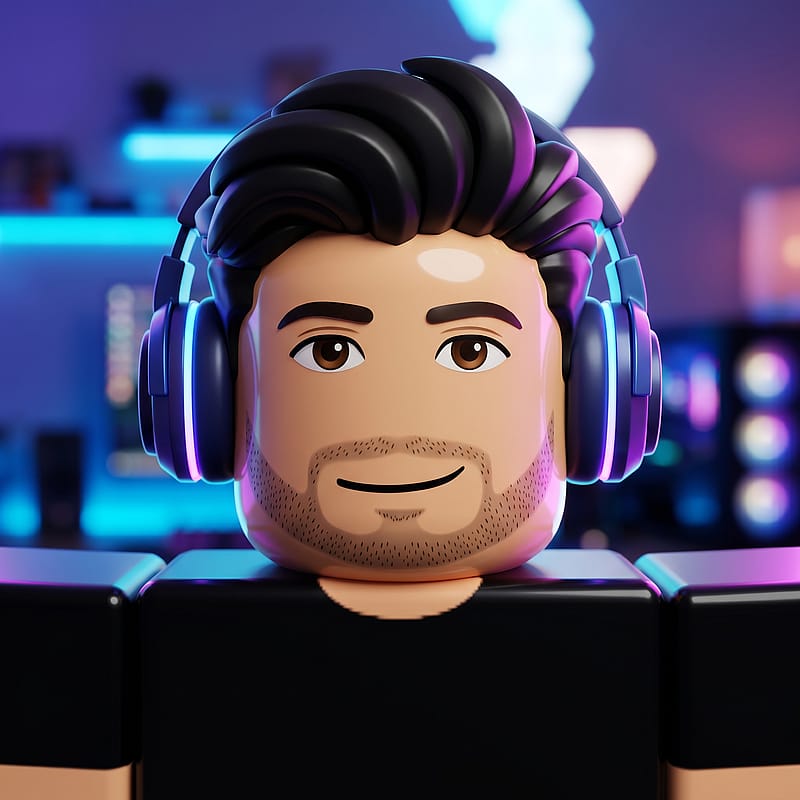 Anyone
Blocky Gamer Headphones Avatar
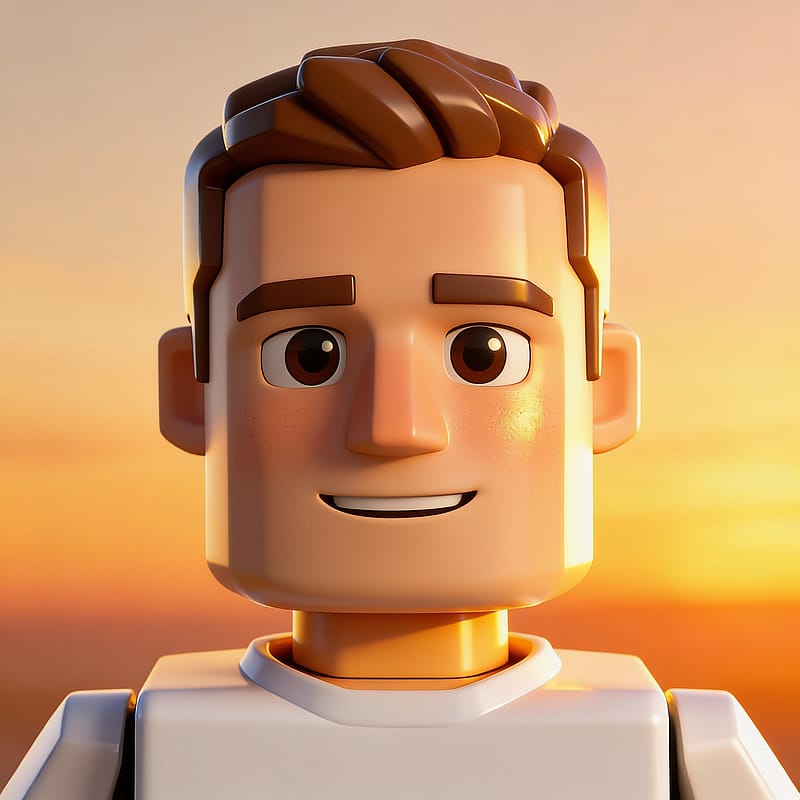 Anyone
Modern Avatar Golden Hour
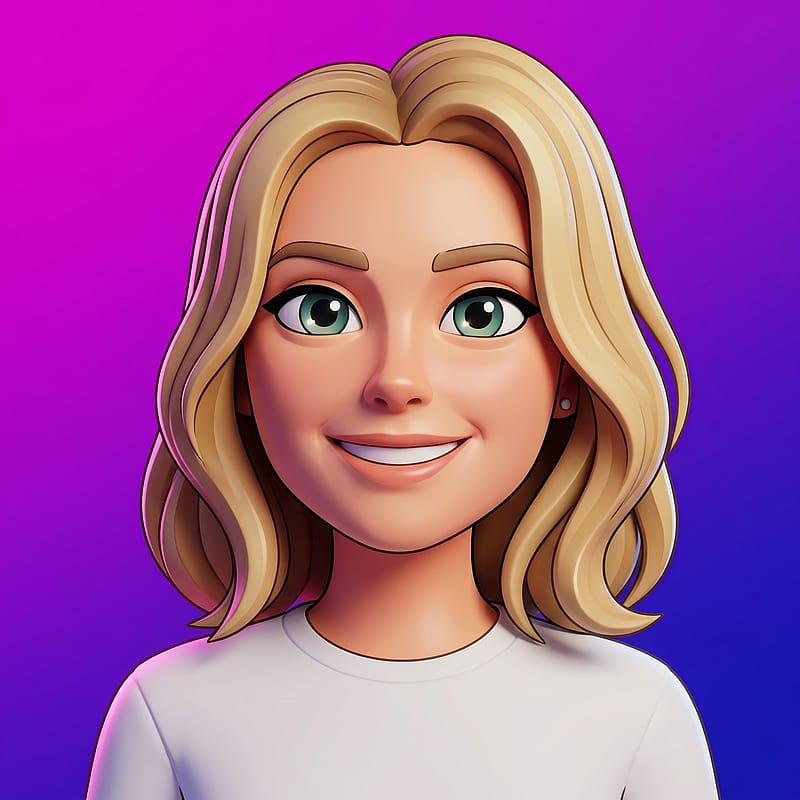 Anyone
Modern Avatar Vibrant Gradient
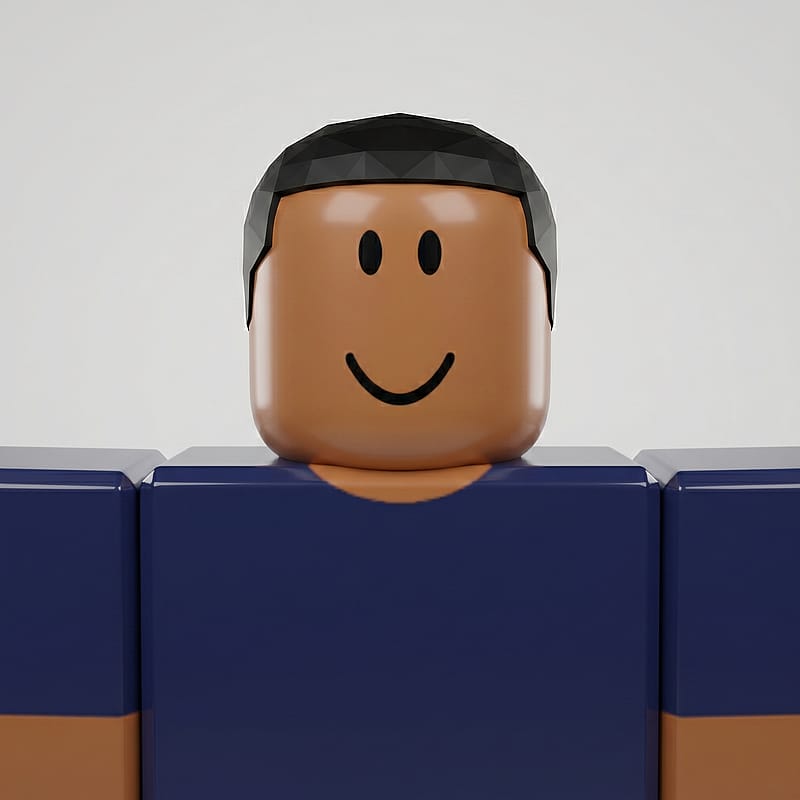 Anyone
Blocky Avatar Studio Showcase
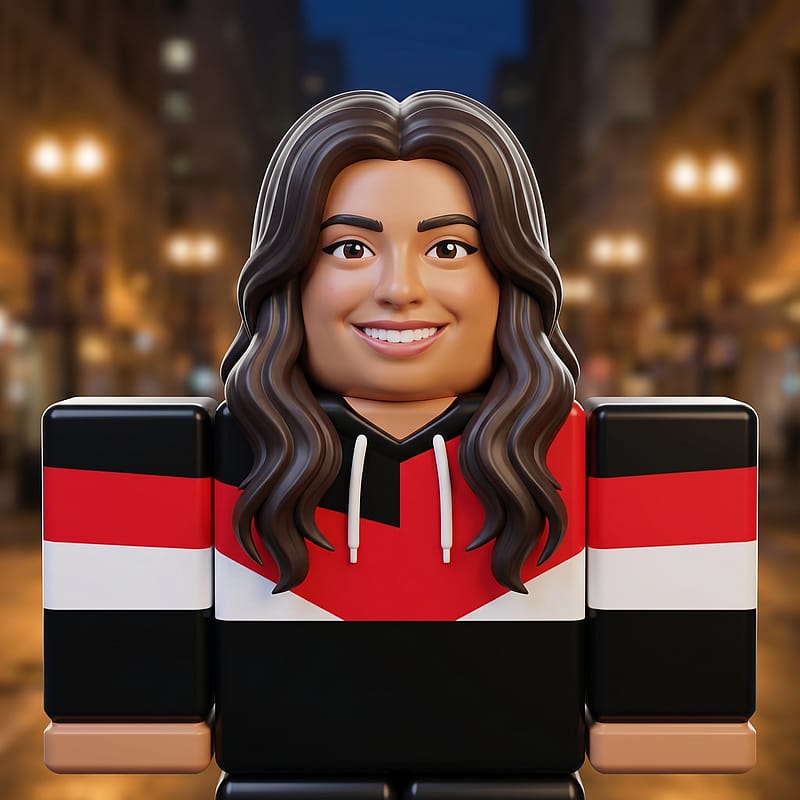 Anyone
Blocky Streetwear Avatar
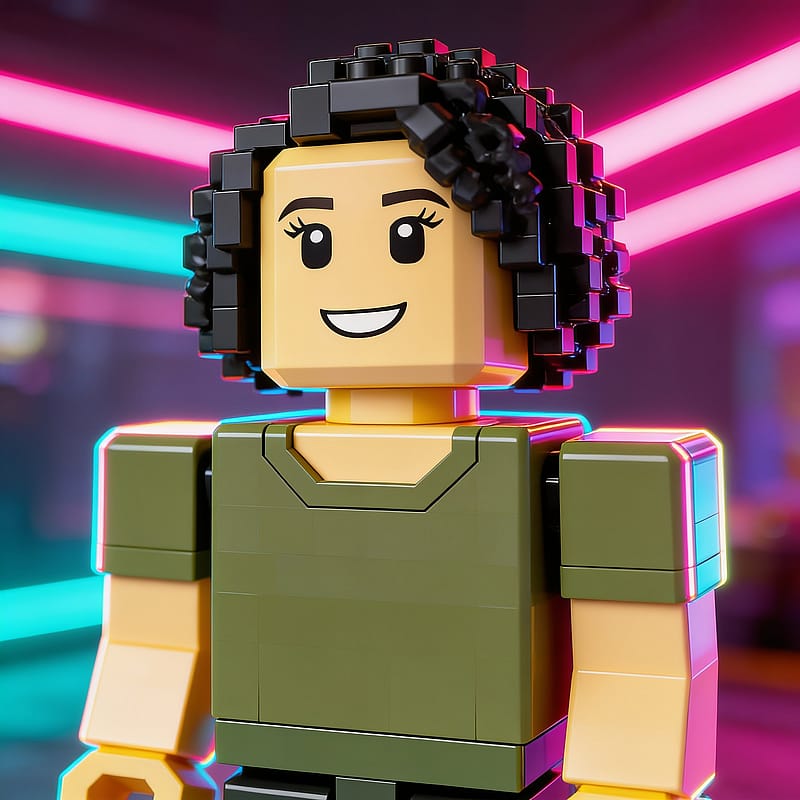 Anyone
Blocky Avatar Neon Glow
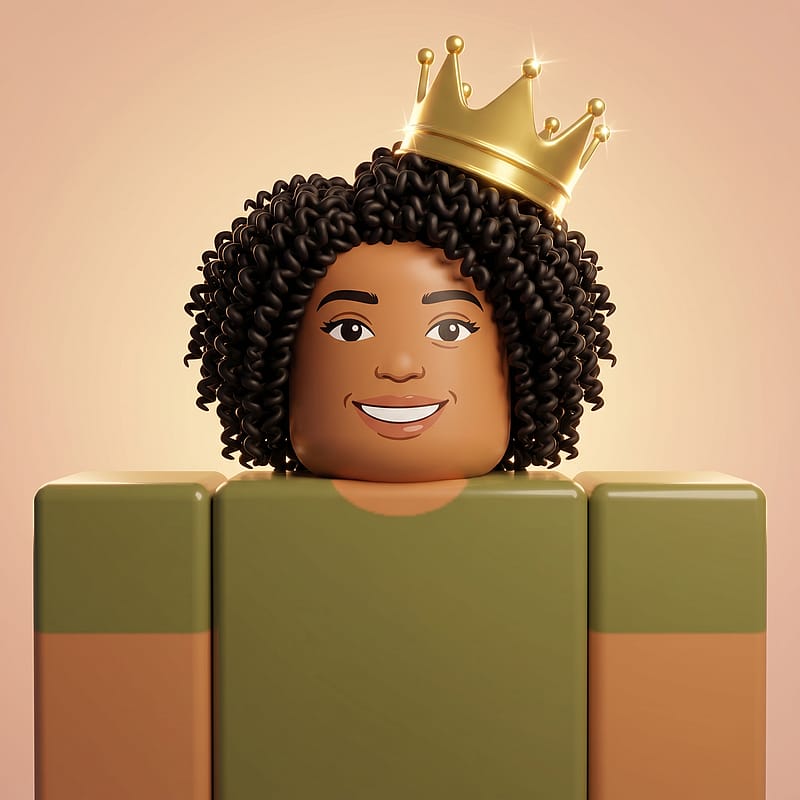 Anyone
Blocky Avatar Golden Crown
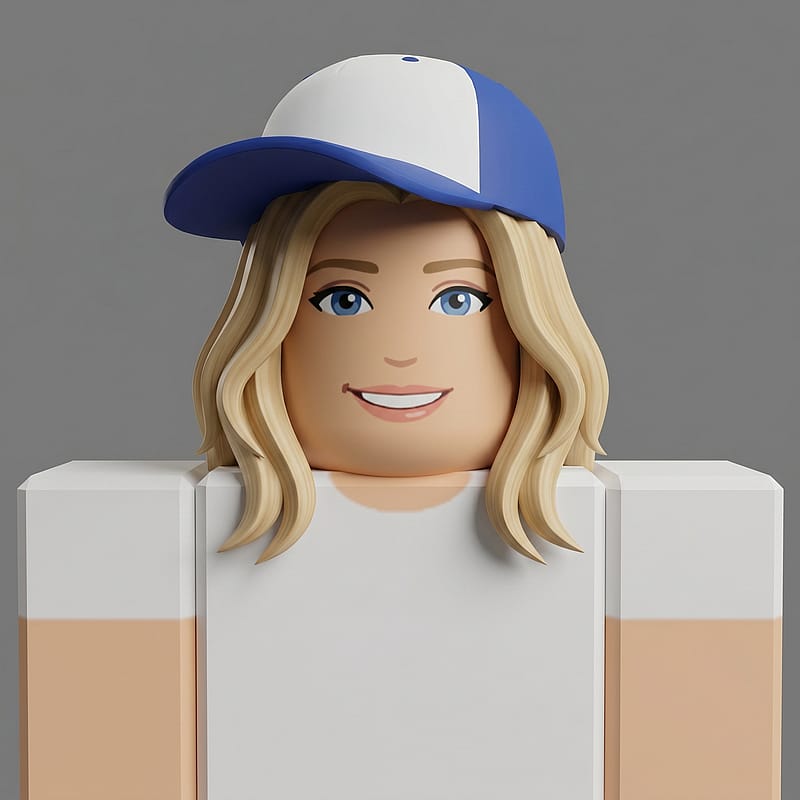 Anyone
Blocky Avatar Sporty Cap
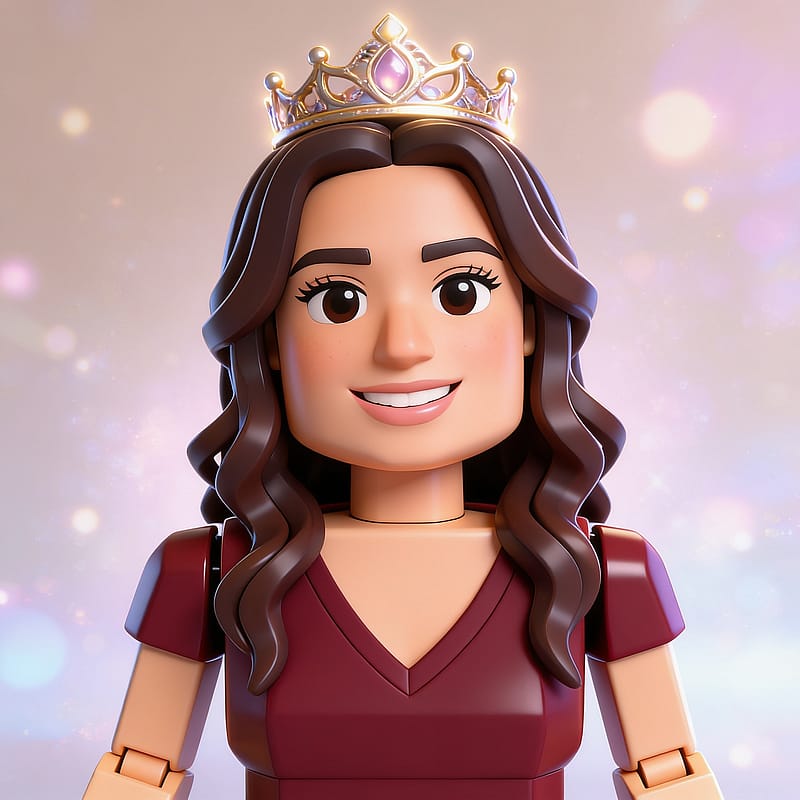 Anyone
Modern Avatar Fantasy Crown
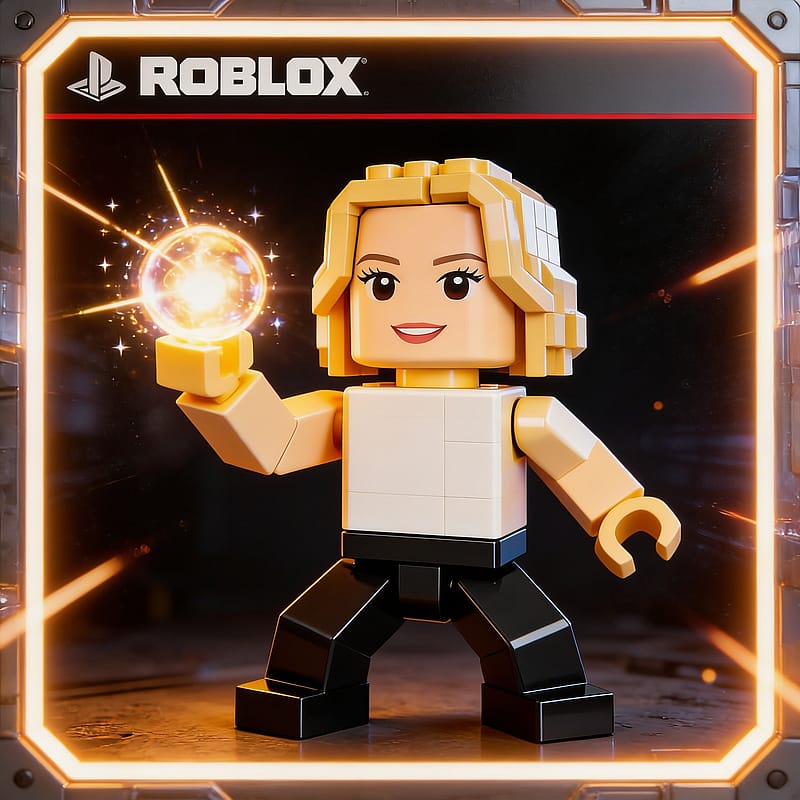 Anyone
Blocky Avatar Energy Pose
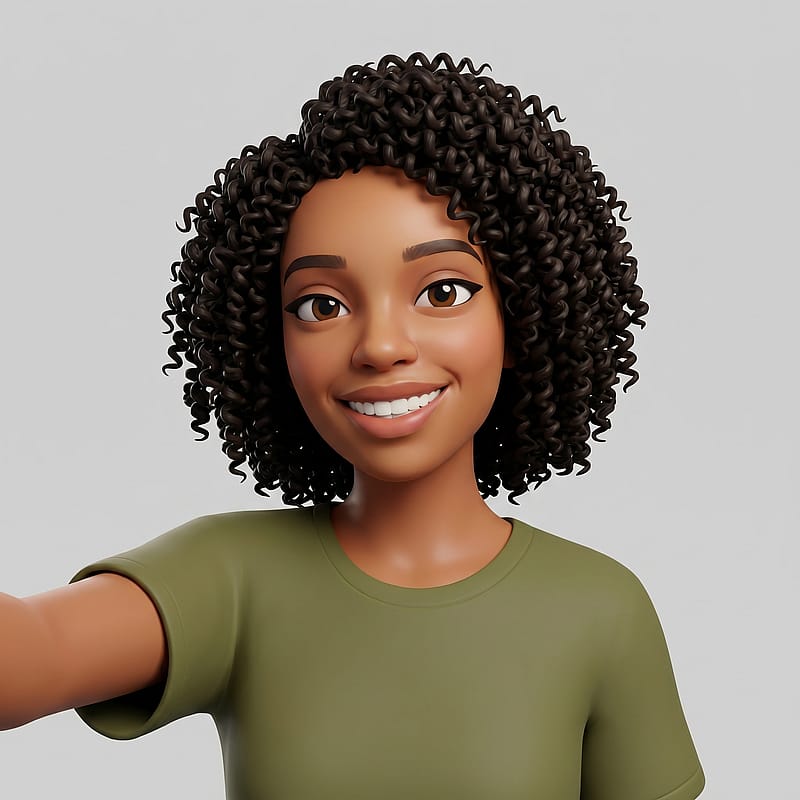 Anyone
Modern 3D Roblox Avatar
Everything You Need to Know About Roblox PFPs
What Is a Roblox PFP?
A Roblox PFP is the profile picture that represents you across the platform and beyond. Inside Roblox, it shows up next to your username in chats, friend lists, game lobbies, and group pages, giving other players a first impression of who you are. A great one captures your personality in a single square frame, often styled as a blocky avatar or a polished 3D character. Because the image appears as a small thumbnail, it needs to read clearly at tiny sizes while still looking sharp up close. Many players also reuse it on Discord, X, and gaming forums, so a strong profile picture works hard across every community you join.
Popular Roblox PFP Styles
Roblox PFP styles fall into two main looks, each with its own appeal. The classic blocky version keeps the signature rectangular body and smooth smiling block head that long-time players instantly recognize — bold, toy-like, and full of nostalgia. The modern 3D option uses smoother meshes and semi-realistic shading for a more refined character that still feels unmistakably Roblox. From there you can add personality: a golden crown, gaming headphones, streetwear, or a vibrant gradient backdrop. Each look sends a different signal, so the right one depends on whether you want to appear playful, cool, or competitive across your favorite games and servers.
How a Roblox PFP Generator Works
Creating a Roblox PFP with AI takes only minutes. Upload a clear selfie, and the generator analyzes your facial features, preserves your likeness, and re-renders your photo as a blocky avatar or a modern 3D character. Each result keeps your face recognizable while applying the unmistakable visual language: bold colors, clean shading, and that signature toy-figure charm. You receive multiple variations from a single upload, so you can compare poses, accessories, and backgrounds side by side. A quality tool handles the rendering, lighting, and styling automatically, with no 3D modeling or design skills required from you.
Best Roblox PFP for Every Platform
Your Roblox PFP shows up differently depending on where you use it, so the ideal style can shift. On the platform itself, it appears as a small circle next to your name, rewarding a bold centered subject. Discord crops the same way, so a high-contrast image with a clear face reads best even as a tiny icon. On X, Instagram, and TikTok, your avatar sits beside posts and comments, where strong colors and a recognizable silhouette stand out. Gaming forums and community servers favor character-driven looks. Generating several variations at once lets you match each platform's crop and audience while keeping a consistent identity everywhere you play.
Tips for the Best Roblox PFP
A standout Roblox PFP starts with a strong source photo. Use a clear, well-lit selfie with your face centered and visible — avoid heavy shadows, sunglasses, or anything blocking your features. A neutral or natural expression gives the generator the most flexibility to translate your look into a blocky avatar. For the classic style, face the camera straight on so the signature smiley head lands perfectly; for a modern 3D look, a slight angle adds energy and depth. Think about contrast and readability: the result must pop even as a small thumbnail. Stick to a focused color palette so it stays cohesive and recognizable at every size.
AI Roblox PFP vs Manual Avatar Editing
Building a Roblox PFP by hand in avatar editors or 3D tools can be slow and fiddly, often demanding modeling skills and hours of tweaking. An AI generator produces a polished character in minutes at a fraction of the effort. You get instant previews across classic blocky and modern 3D styles, plus variations with crowns, headphones, and bold backgrounds — all downloadable in high resolution right away. For players who want a fresh look for a new identity, a group theme, or a seasonal refresh, this is the fastest path. You keep full control, iterate quickly, and never get stuck in a slow manual workflow just to update your avatar.
Frequently Asked Questions
What is a Roblox PFP?
A Roblox PFP is the profile picture that represents you on the platform and across gaming communities. It appears next to your username in chats, friend lists, and game lobbies, giving other players a quick sense of who you are. A distinctive one helps you stand out and express your personality at a glance, whether you favor a classic blocky look or a modern 3D style.
How do I make a Roblox PFP from my photo?
Upload a clear, well-lit selfie to a generator and pick a style — classic blocky or modern 3D. The tool preserves your facial likeness while transforming your photo into a polished avatar. You receive multiple variations from one upload, ready to use on Roblox, Discord, and other platforms in minutes, with no 3D modeling or design skills needed.
What are the best Roblox PFP styles?
The most popular styles are the classic blocky avatar with its signature smiling head, and the modern 3D avatar with smoother, semi-realistic shading. You can personalize either with accessories like crowns, headphones, or streetwear, and bold gradient backgrounds. The best match fits your personality and the platforms where you play — a generator lets you try several at once and compare them side by side.
Can I make matching Roblox PFPs for friends?
Yes. Generate several variations from one selfie and pick complementary styles for a matching set. Classic blocky and modern 3D looks both work well for friend or group images. A generator lets you build a cohesive set that shares a visual theme while keeping each person recognizable across Roblox, Discord, and gaming servers.
Can I use an AI Roblox PFP as my profile picture?
Yes. An AI-generated one is widely accepted on Roblox, Discord, X, Instagram, TikTok, and gaming forums. A quality generator preserves your actual facial features while applying the art style, so it stays recognizable and authentic. You can freely use it wherever a personal profile image is allowed, on its own or as part of a matching set.
What size should a Roblox PFP be?
Most platforms display yours as a small circle, so a square image of at least 400x400 pixels works well — 768x768 or higher keeps it sharp on retina screens. Because it appears as a tiny thumbnail, prioritize a clear subject and strong contrast over fine detail. A good generator outputs high-resolution images ready for any size, from a chat icon to a full profile.